SheetFitness & Weight TrackerTemplate Collective
Productivity & Ops
£14.99£4.99
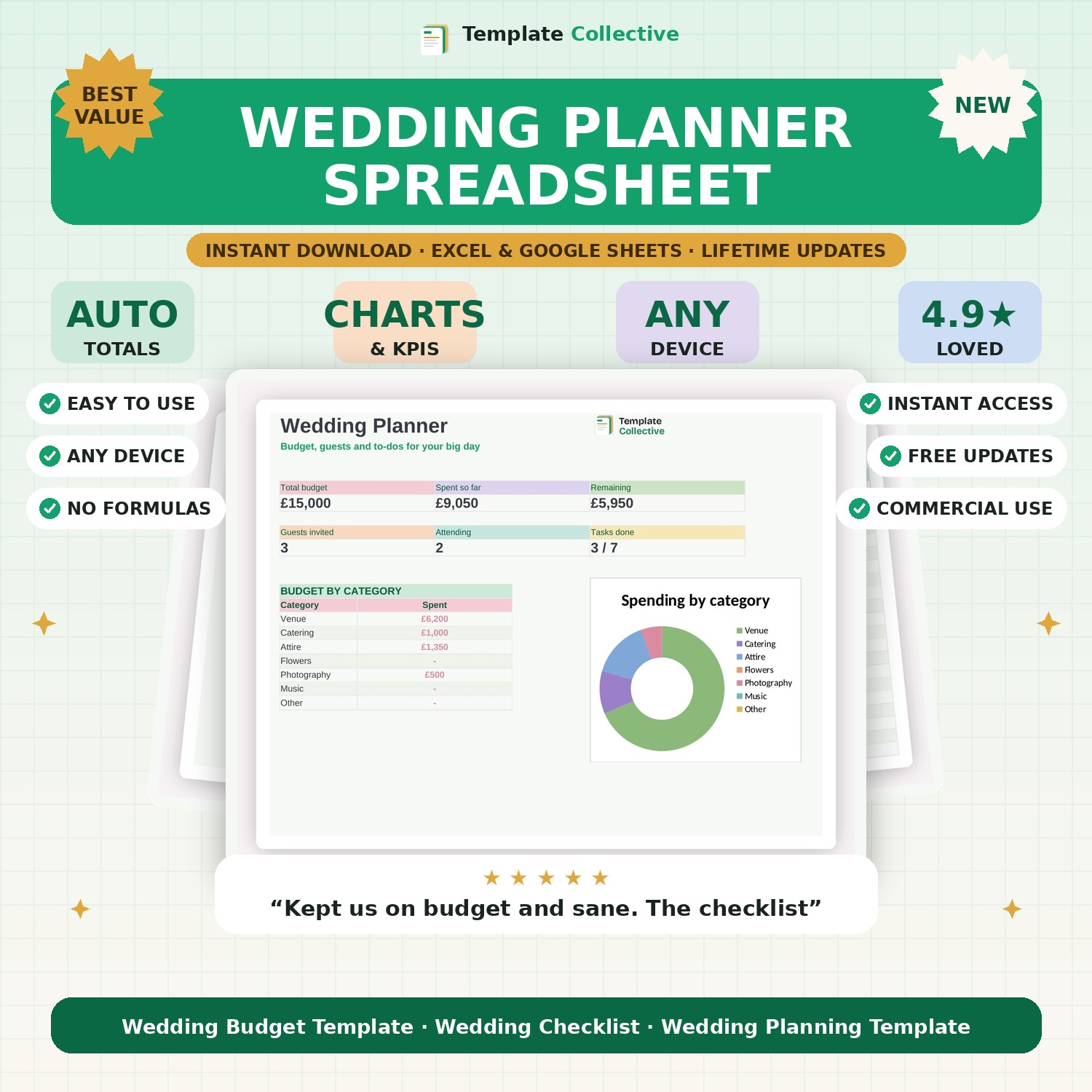
Plan your big day without the stress. Track your budget, guest list and to-do checklist in one beautiful spreadsheet, with a dashboard that keeps everything on track.
Planning a wedding means juggling a hundred things at once — this Wedding Planner keeps them all in one calm, beautiful place. Set your total budget and track every cost against it, manage your guest list and RSVPs, and work through a complete to-do checklist, all feeding a dashboard that shows your budget, spend, remaining funds, guest count and how many tasks are done.
The budget tab shows estimated versus actual spend by category with a spending donut, so you always know where the money is going and how much is left. The guest list tracks RSVPs, meals and table numbers, and the checklist walks you through everything from booking the venue twelve months out to confirming timings the week before. No more spreadsheets cobbled together at midnight.
Built in Excel and Google Sheets with a soft, romantic pastel design, it works on any device so you can update it on the go. Everything you need to plan the day beautifully — and stay on budget.
Need a hand? Every purchase includes free email support and free updates for life. If a file ever will not open, reply to your receipt and we will sort it.
Yes — edit any category to fit your wedding and the dashboard follows.
Yes — mark each guest’s RSVP, meal and table, and see your attending count on the dashboard.
Instant digital download. Nothing is shipped. Files are delivered to your email the moment you buy, and you can re-download them any time. Single-business licence.