SheetFreelancer Income & Tax TrackerTemplate Collective
Business & Finance
£14.99£4.99
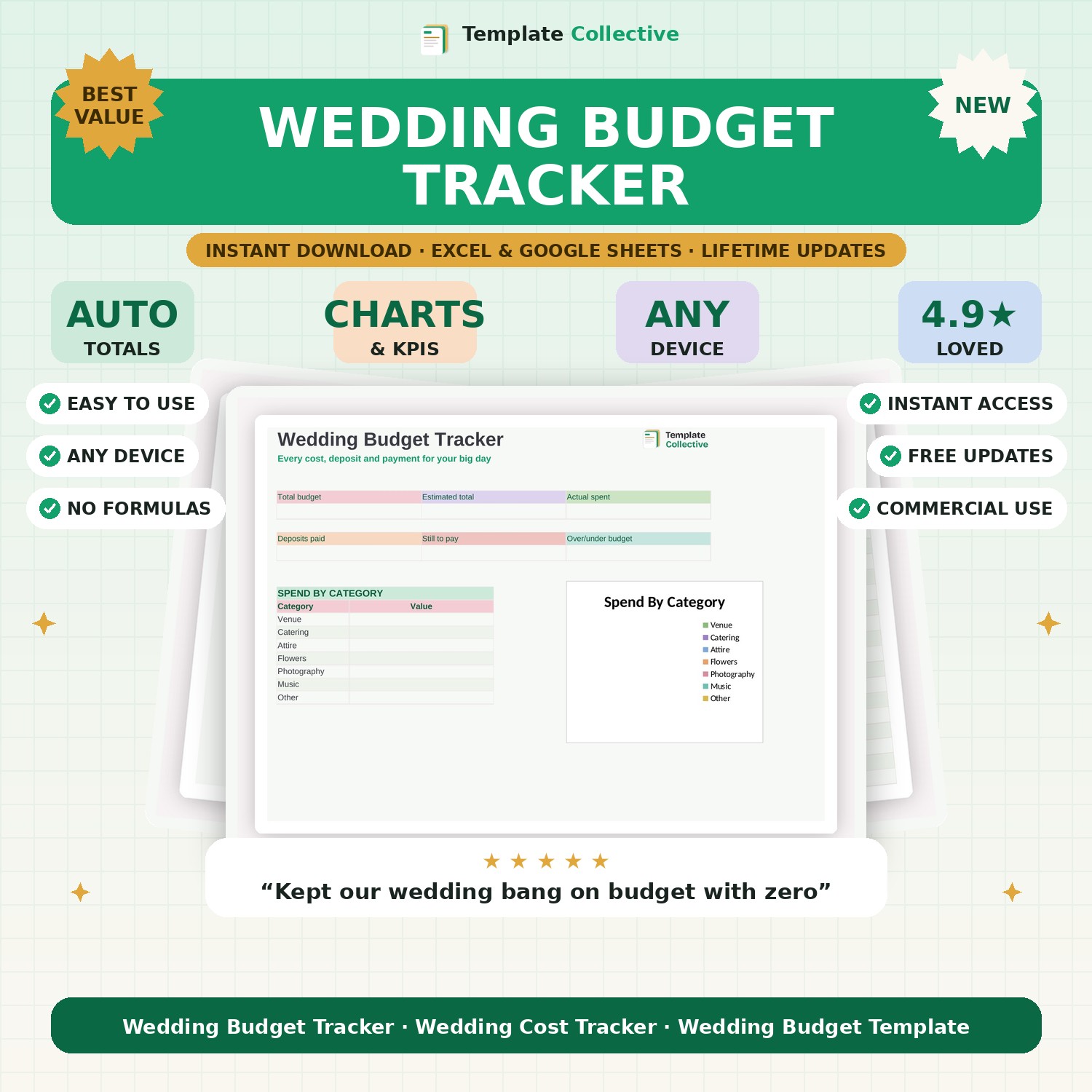
Keep your big day on budget. Track every cost, deposit and payment against your total, see your spend by category, and know exactly what is still to pay.
Weddings are wonderful and expensive — this tracker keeps the spending under control so you can enjoy the planning. Set your total budget and track every cost against it, recording your estimated and actual spend, deposits paid and due dates, so you always know where you stand and never get a nasty surprise as the big day approaches.
The dashboard shows your total budget, estimated total, actual spent, deposits paid, what is still to pay and whether you are over or under budget, with a spend-by-category donut (venue, catering, attire, flowers, photography, music). It is the calm, clear way to plan a wedding you can actually afford.
Built in Excel and Google Sheets with a soft, romantic design and sample costs, it works on any device so you can update it after every supplier meeting. For the guest list and to-do checklist too, see our full [Wedding Planner Spreadsheet](#/product/wedding-planner).
Need a hand? Every purchase includes free email support and free updates for life. If a file ever will not open, reply to your receipt and we will sort it.
Yes — record deposits paid and see exactly what is still to pay.
Yes — our Wedding Planner adds a guest list and to-do checklist.
Instant digital download. Nothing is shipped. Files are delivered to your email the moment you buy, and you can re-download them any time. Single-business licence.