SheetFreelancer Income & Tax TrackerTemplate Collective
Business & Finance
£14.99£4.99
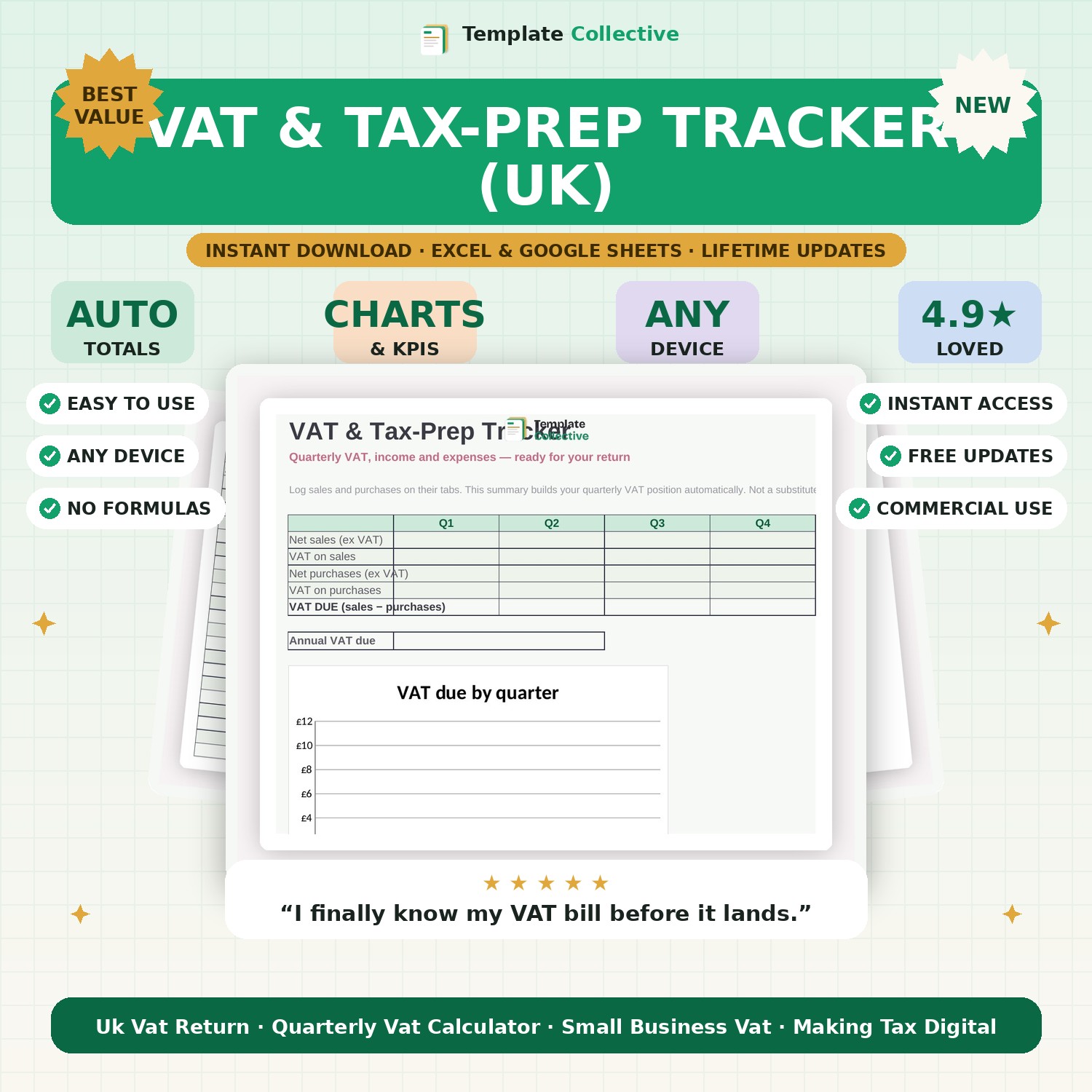
Track sales, purchases and VAT across all four quarters and see your VAT position build automatically — ready for your return. Built for UK businesses.
VAT returns are stressful when your figures live in five different places. This VAT & Tax-Prep Tracker pulls them together. Log your sales and purchases on their tabs, tag each with a quarter, and the summary automatically works out your net figures, VAT on sales, VAT on purchases and the VAT due for every quarter — plus your annual position.
VAT at 20% and gross totals are calculated for you on every line, so all you enter is the net amount and the quarter. A quarterly bar chart shows your VAT due at a glance, making it easy to set money aside before the bill arrives. It is ideal for UK sole traders and small limited companies who want to stay on top of VAT without paying for complex software.
Built in Excel and Google Sheets with clear inputs, sample entries and freeze panes for mobile. Please note this is a preparation tool to organise your figures, not tax advice — always confirm with your accountant or HMRC guidance.
Need a hand? Every purchase includes free email support and free updates for life. If a file ever will not open, reply to your receipt and we will sort it.
Yes — the 20% rate is in the formula and can be adjusted for different rates or schemes.
No. It prepares and organises your figures; it does not file to HMRC. Use it alongside your accountant or MTD software.
Instant digital download. Nothing is shipped. Files are delivered to your email the moment you buy, and you can re-download them any time. Single-business licence.