SheetFreelancer Income & Tax TrackerTemplate Collective
Business & Finance
£14.99£4.99
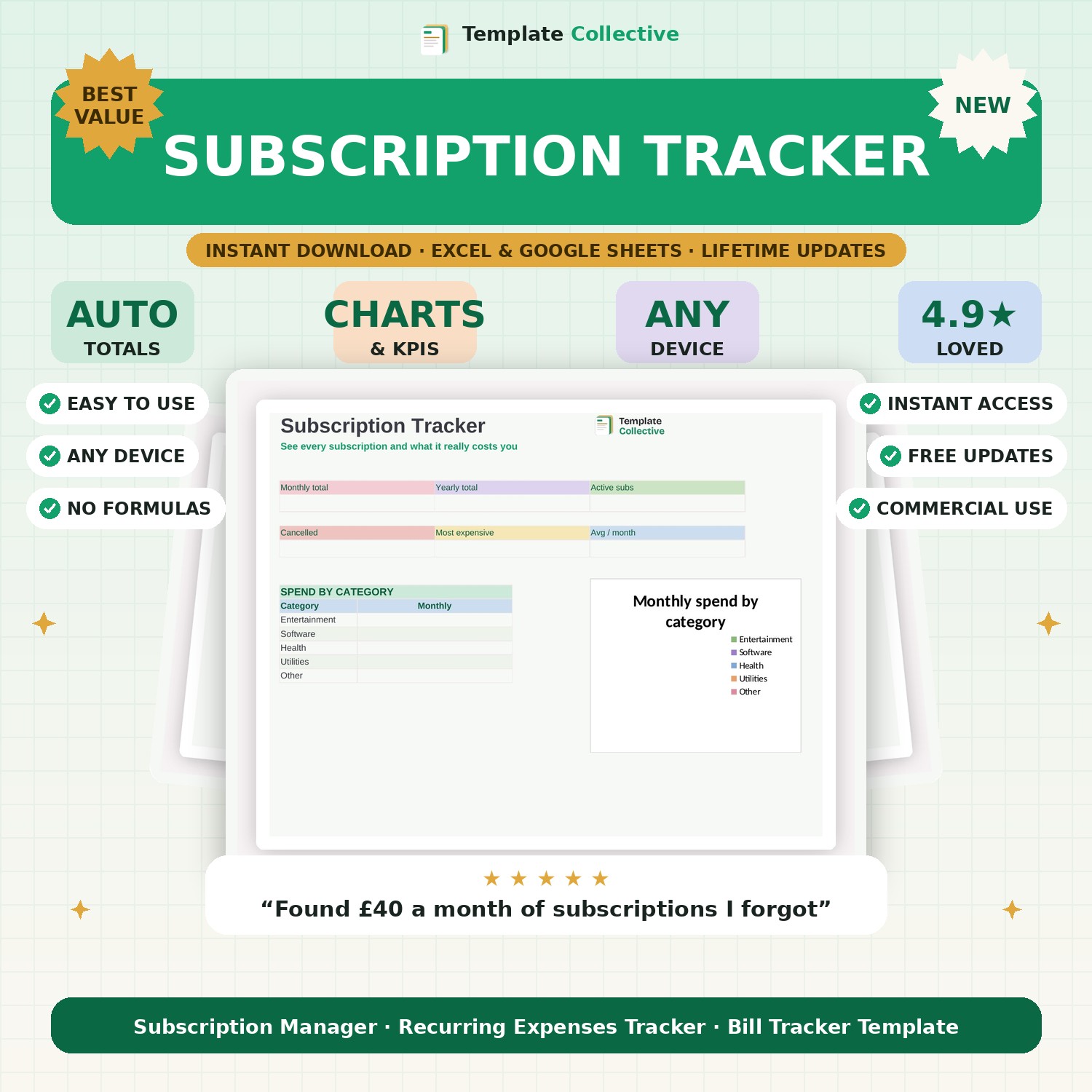
See every subscription and what it really costs you per month and per year. Track renewals, spot forgotten subscriptions, and cut the ones you do not use.
Subscriptions are sneaky — a few pounds here and there quietly add up to a fortune. This Subscription Tracker shows you the truth: every subscription in one place, with exactly what it costs you per month and per year. Most people find money they did not realise they were spending within minutes of filling it in.
Log each subscription with its cost, billing cycle, category and renewal date, and the dashboard shows your total monthly and yearly spend, your active versus cancelled subscriptions, your most expensive one, and a spend-by-category breakdown. Seeing it all together makes it easy to spot the ones you have forgotten about and cancel what you do not use.
Built in Excel and Google Sheets with a soft, clean design and sample subscriptions to guide you, it works on any device. Fold the savings into your bigger picture with our [Personal Finance Dashboard](#/product/personal-finance-dashboard).
Need a hand? Every purchase includes free email support and free updates for life. If a file ever will not open, reply to your receipt and we will sort it.
Yes — it converts everything to a true monthly and yearly figure automatically.
It shows renewal dates so you can see what is coming up at a glance.
Instant digital download. Nothing is shipped. Files are delivered to your email the moment you buy, and you can re-download them any time. Single-business licence.