SheetFitness & Weight TrackerTemplate Collective
Productivity & Ops
£14.99£4.99
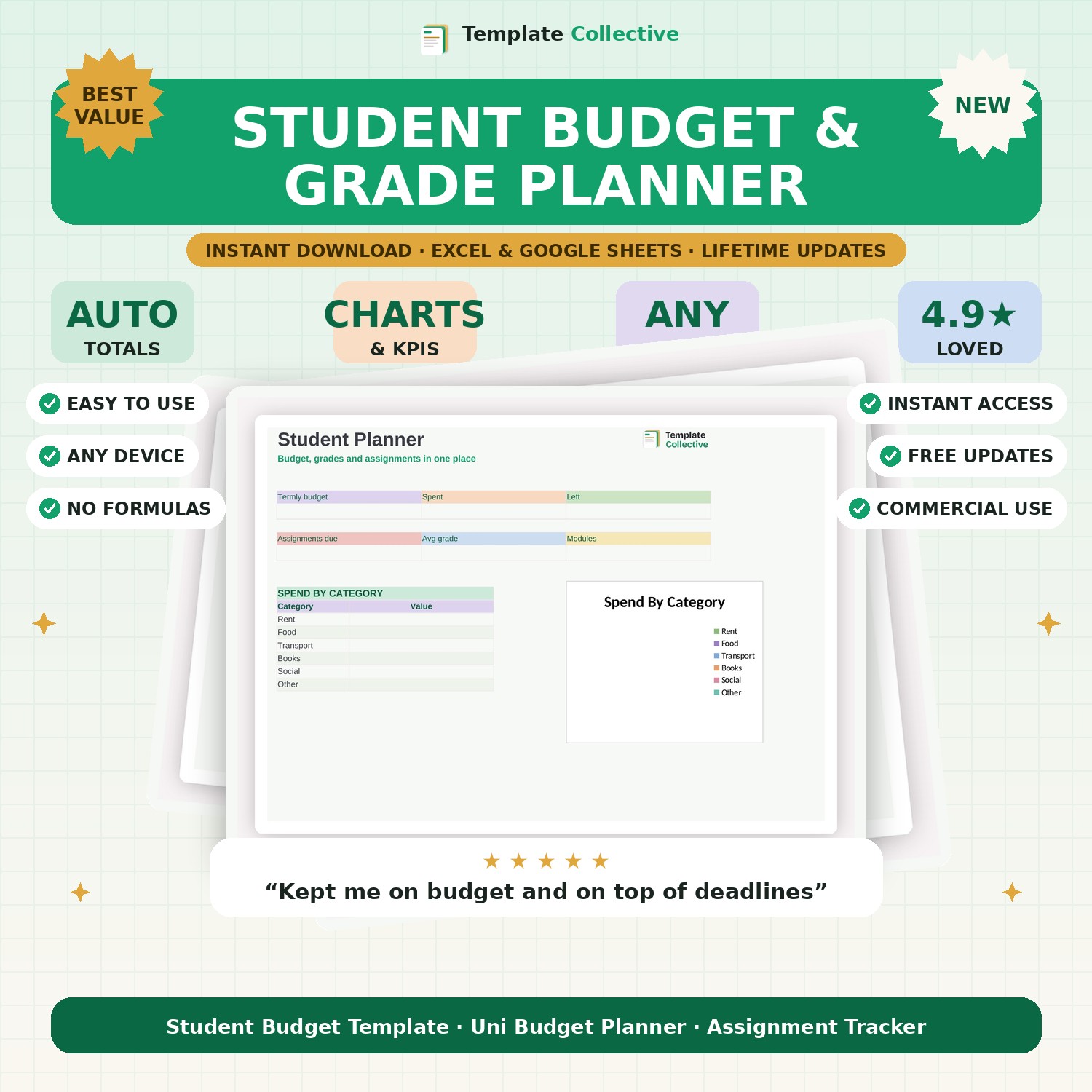
Stay on top of uni life — budget, grades and assignments in one place. Track your termly spending, your assignment deadlines and your grades, all on one clear dashboard.
University is a juggling act of money, deadlines and grades — this planner keeps all three under control. Set your termly budget and track your spending by category, list your assignments with their deadlines and weightings, and record your grades as they come in, so you always know where your money and your studies stand.
The dashboard shows your termly budget, spend and what is left, your assignments due, your average grade and your modules, with a spend-by-category breakdown. It is the simple, all-in-one companion that helps students stay on budget and on top of their coursework without the last-minute panic.
Built in Excel and Google Sheets with a clean, friendly design and sample content, it works on any device. A brilliant, affordable tool for any student starting a new term or year.
Need a hand? Every purchase includes free email support and free updates for life. If a file ever will not open, reply to your receipt and we will sort it.
Yes — record grades by module and see your running average.
Yes — track your termly budget and spend by category.
Instant digital download. Nothing is shipped. Files are delivered to your email the moment you buy, and you can re-download them any time. Single-business licence.