SheetFitness & Weight TrackerTemplate Collective
Productivity & Ops
£14.99£4.99
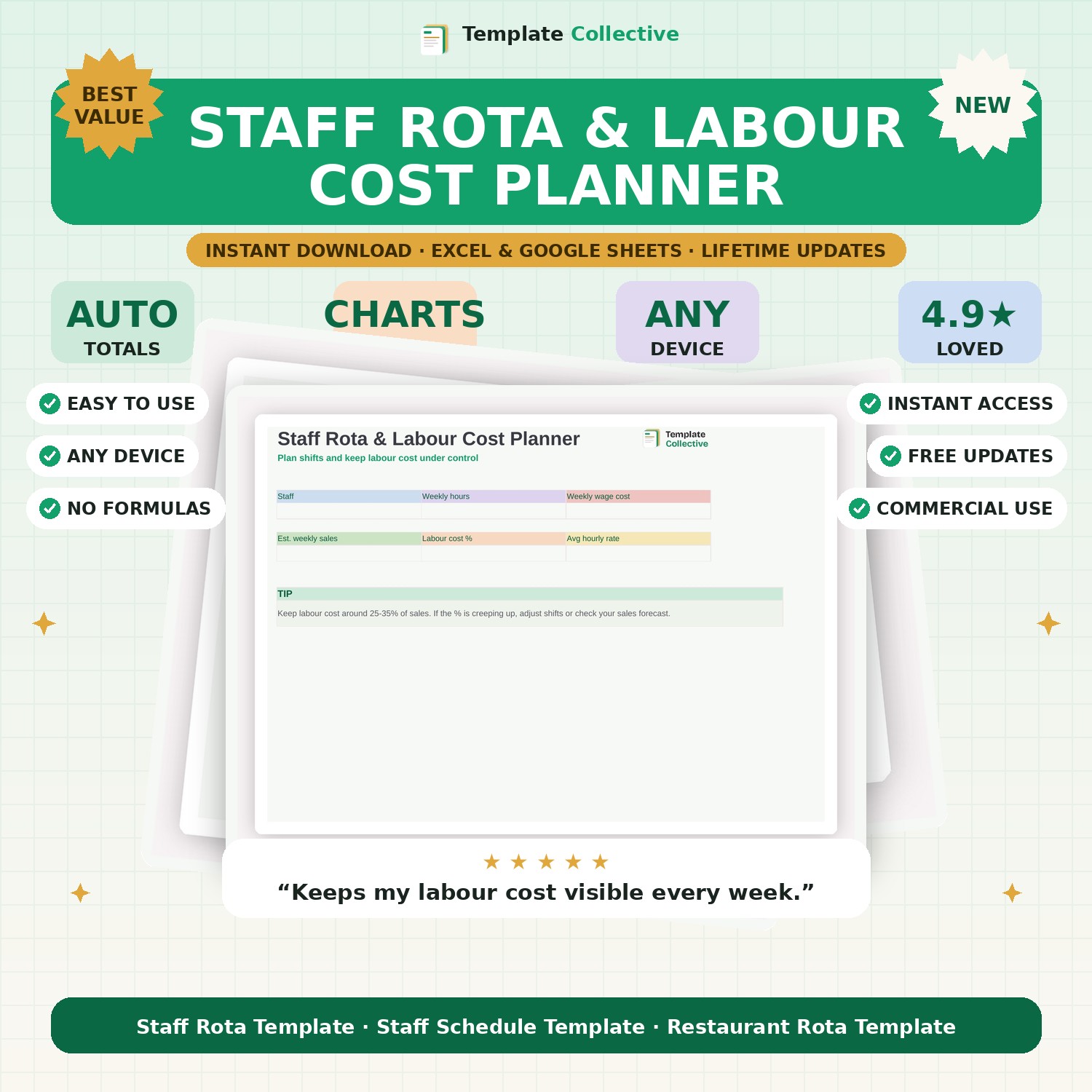
For cafés, restaurants and shops — plan staff shifts and keep labour cost under control, with automatic hours and wage totals and a live labour-cost percentage.
Labour is one of the biggest costs in hospitality and retail, and it is easy to let it creep up. This Staff Rota & Labour Cost Planner lets you plan the week's shifts and instantly see the cost — total hours, total wages and your labour cost as a percentage of expected sales, so you can staff up for busy days without blowing your budget.
Enter each team member's hourly rate, drop their hours into the weekly rota, and the planner totals everyone's hours and pay automatically. Set your expected weekly sales and it shows your labour cost percentage against the healthy 25–35% range, so you always know if a rota is affordable before the week begins.
Built in Excel and Google Sheets with a clean layout and sample staff and shifts, it works on any device. Perfect for café owners, restaurant managers and shop owners who want to control labour cost without spending on rota software.
Need a hand? Every purchase includes free email support and free updates for life. If a file ever will not open, reply to your receipt and we will sort it.
Yes — set your expected sales and it shows labour cost as a % automatically.
Yes — each team member has their own hourly rate.
Instant digital download. Nothing is shipped. Files are delivered to your email the moment you buy, and you can re-download them any time. Single-business licence.