New
SheetSalon Marketing & Loyalty TrackerTemplate Collective
Marketing & Sales
£14.99£4.99
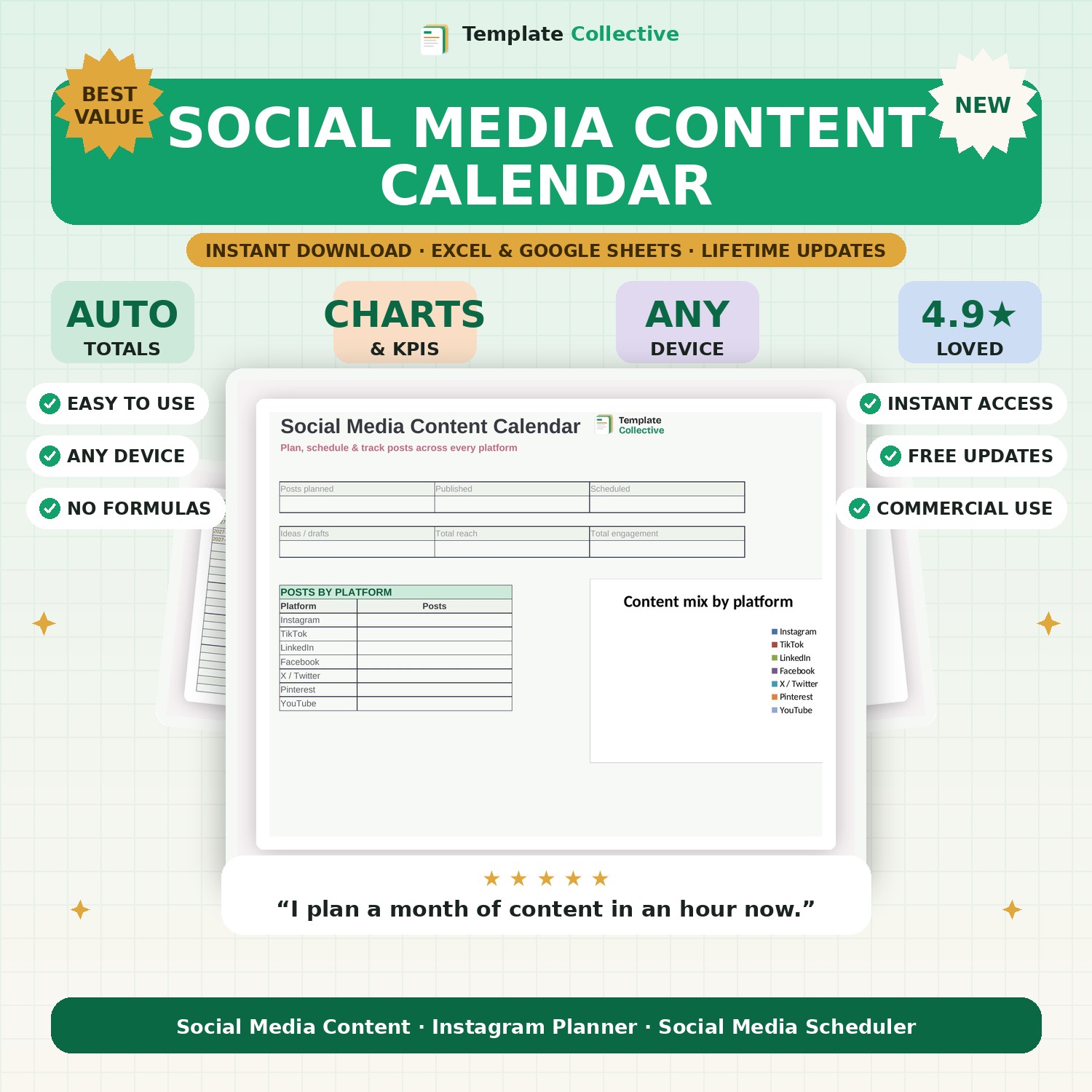
Plan, schedule and track every social media post across all platforms in one place. Content pillars, a status workflow and a dashboard that tracks reach and engagement.
Consistency is what grows a social media following, and consistency comes from planning. This Social Media Content Calendar gives you one organised place to plan, schedule and track every post across Instagram, TikTok, LinkedIn, Facebook, X, Pinterest and YouTube. No more scrambling for something to post — you will always know what is going out, where and when.
Plan posts around content pillars, write your captions and hashtags, and move each post through a simple status workflow from idea to draft to scheduled to published. The dashboard then shows your content mix by platform, how many posts are planned versus published, and your total reach and engagement, so you can see what is working and do more of it.
Built in Excel and Google Sheets with a colour-coded status system, sample posts and freeze panes for mobile, it is perfect for creators, small businesses and social media managers who want to stay consistent without the chaos. Pair it with our [Cold Email & Outreach Swipe Files](#/product/cold-email-swipe-files) for a complete marketing toolkit.
Need a hand? Every purchase includes free email support and free updates for life. If a file ever will not open, reply to your receipt and we will sort it.
Instagram, TikTok, LinkedIn, Facebook, X/Twitter, Pinterest and YouTube — and you can add your own.
It plans and tracks your content; actual publishing is done on each platform or your scheduler. It keeps everything organised in one view.
Instant digital download. Nothing is shipped. Files are delivered to your email the moment you buy, and you can re-download them any time. Single-business licence.