SheetFreelancer Income & Tax TrackerTemplate Collective
Business & Finance
£14.99£4.99
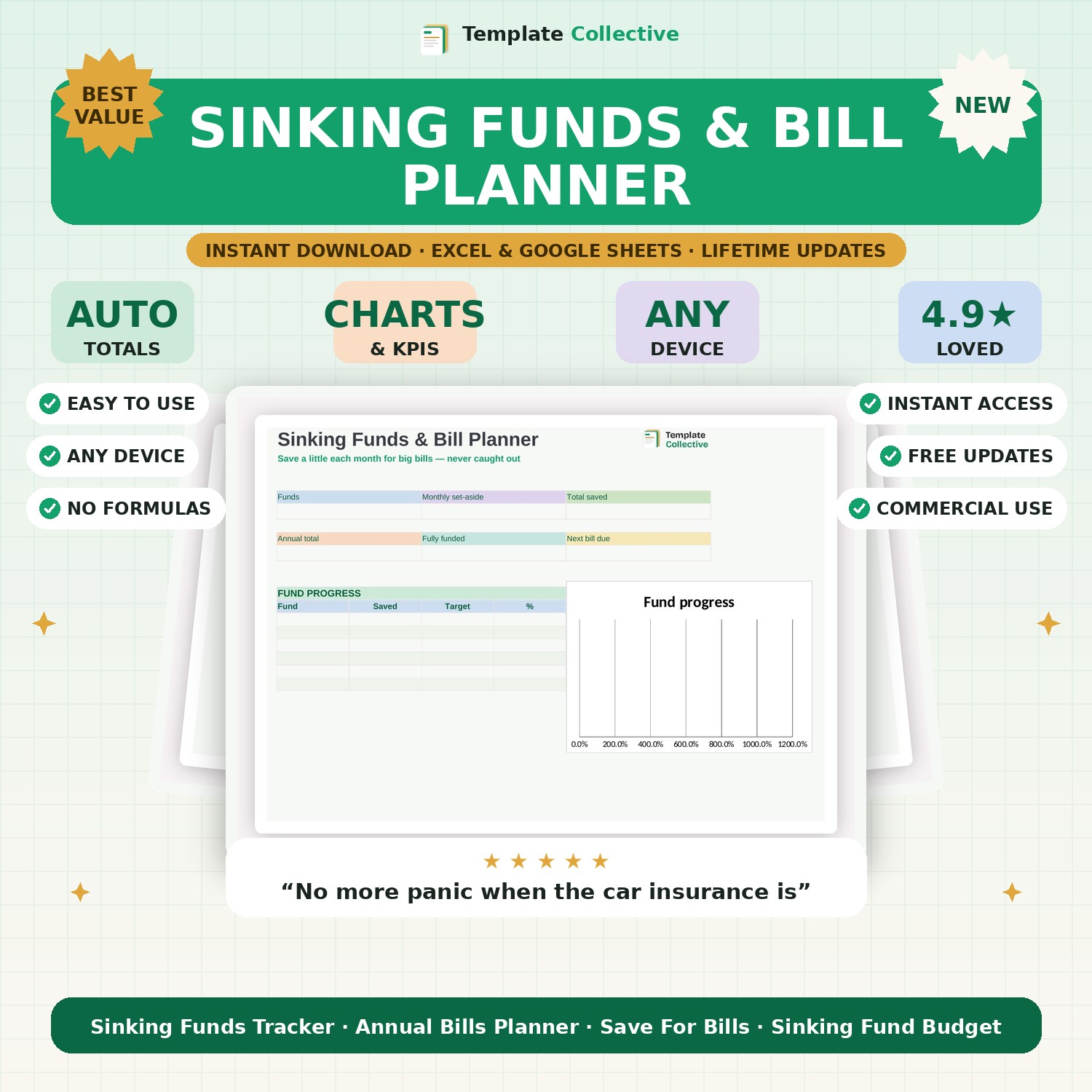
Never be caught out by a big bill again. Save a little each month towards annual costs like insurance, Christmas and car service — and see every fund's progress at a glance.
Big annual bills only feel painful because they arrive all at once. Sinking funds fix that: you save a little each month towards each big cost, so the money is already there when the bill lands. This Sinking Funds & Bill Planner makes it easy — list your annual costs, when they are due, and how much to set aside each month, and it tracks every fund's progress for you.
The dashboard shows your number of funds, total monthly set-aside, total saved, your annual bill total, how many funds are fully funded and which bill is due next, with a progress bar for every fund. It is the calm, organised antidote to bill shock, and a simple habit that transforms how in-control your money feels.
Built in Excel and Google Sheets with a soft, motivating design and sample funds, it works on any device. Pair it with our [Paycheck Budget Planner](#/product/paycheck-budget-planner) and [Savings Goal Tracker](#/product/savings-goal-tracker).
Need a hand? Every purchase includes free email support and free updates for life. If a file ever will not open, reply to your receipt and we will sort it.
It is money you save a little at a time towards a known future cost, so it is ready when the bill arrives.
Yes — the dashboard highlights your next bill and every fund’s progress.
Instant digital download. Nothing is shipped. Files are delivered to your email the moment you buy, and you can re-download them any time. Single-business licence.