SheetFreelancer Income & Tax TrackerTemplate Collective
Business & Finance
£14.99£4.99
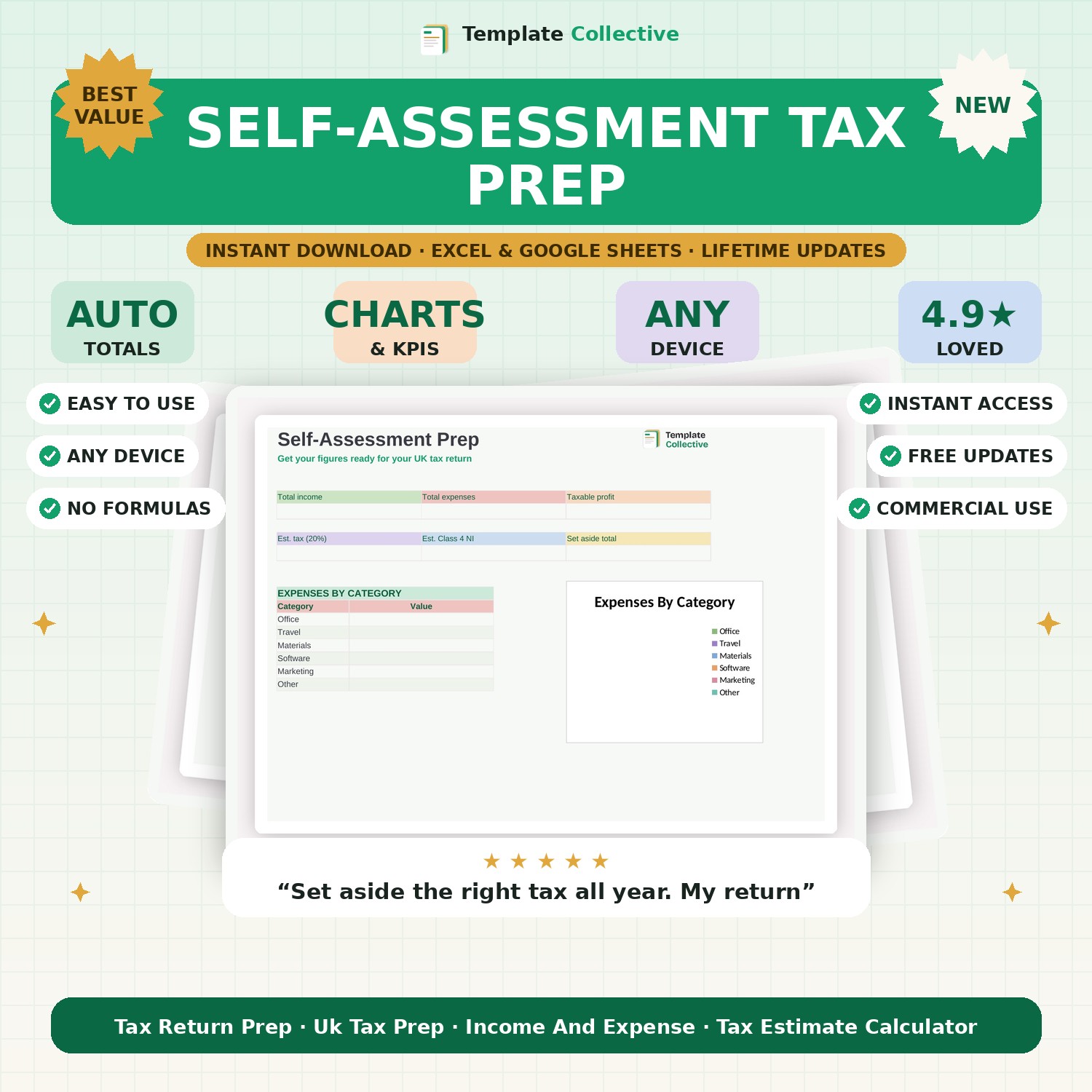
Get your figures ready for your UK Self-Assessment. Log income and expenses, see your taxable profit, and get an estimate of the tax and National Insurance to set aside.
Self-Assessment is stressful when your figures are scattered — this tracker makes it calm. Log your income and expenses through the year, and it keeps a running total of your total income, allowable expenses and taxable profit, then estimates the Income Tax and Class 4 National Insurance you should be setting aside so the bill never comes as a shock.
The dashboard shows your income, expenses, taxable profit, estimated tax, estimated NI and a total to set aside, plus an expenses-by-category breakdown that lines up neatly with the boxes on your return. When it is time to file, or to hand everything to your accountant, your figures are already organised.
Built in Excel and Google Sheets with clearly marked input cells and sample entries, it works on any device. Please note it gives estimates to help you prepare and set money aside — it is not tax advice, so always confirm with HMRC guidance or your accountant. For deeper VAT tracking, see our [VAT & Tax-Prep Tracker](#/product/vat-tax-prep-tracker).
Need a hand? Every purchase includes free email support and free updates for life. If a file ever will not open, reply to your receipt and we will sort it.
No — it gives estimates to help you prepare and set money aside. Always confirm with HMRC or your accountant.
Yes — it estimates Income Tax and Class 4 NI from your taxable profit.
Instant digital download. Nothing is shipped. Files are delivered to your email the moment you buy, and you can re-download them any time. Single-business licence.