SheetFreelancer Income & Tax TrackerTemplate Collective
Business & Finance
£14.99£4.99
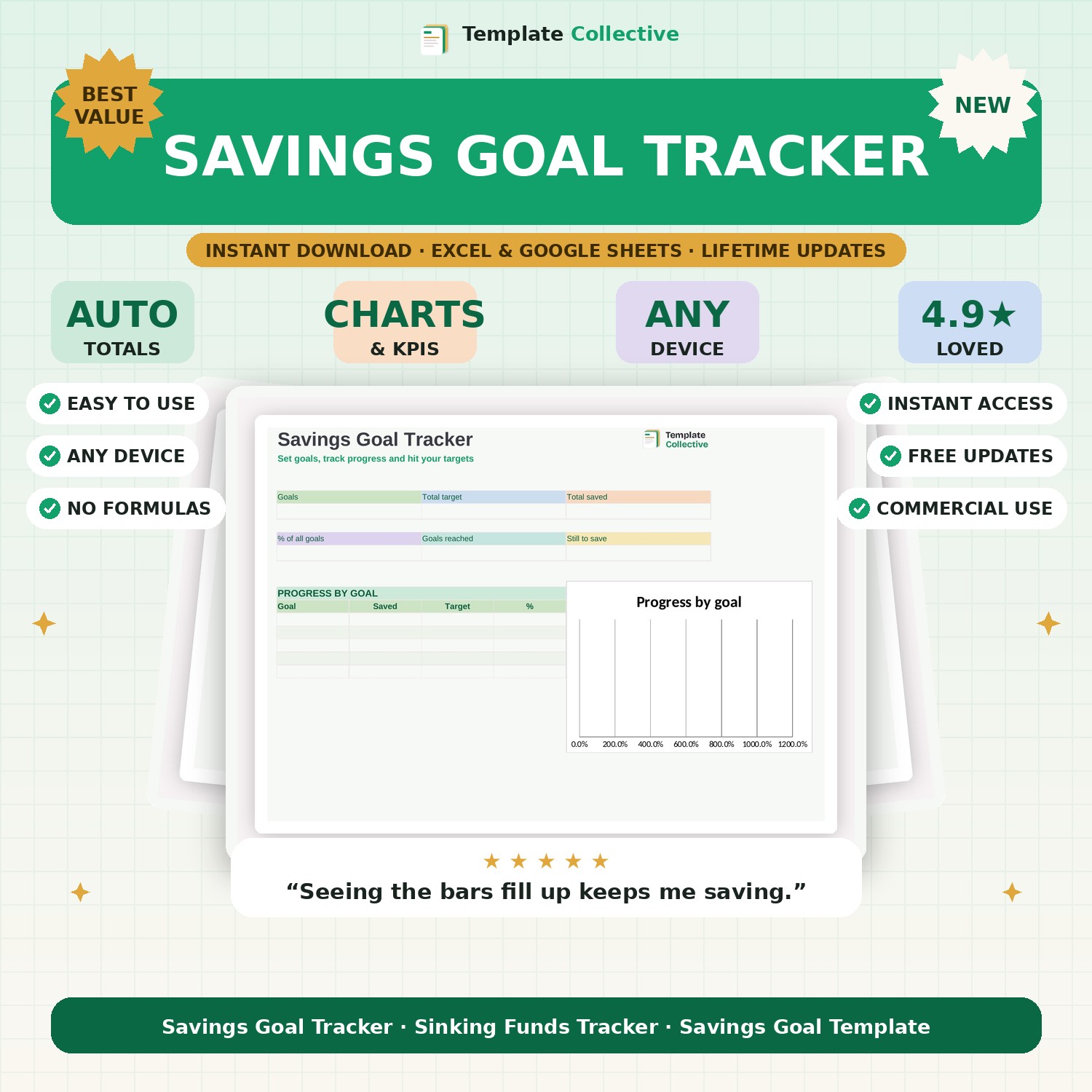
Set your savings goals, track your progress and hit your targets. See how close you are to each goal, how many months are left, and stay motivated as the bars fill up.
Saving is so much easier when you can see it working — and this Savings Goal Tracker turns your goals into visible, motivating progress. Set a target for each goal (emergency fund, holiday, house deposit, new car), enter what you have saved and how much you add each month, and the tracker shows your progress, your percentage complete and how many months until you get there.
The dashboard shows your total target, total saved, overall progress and how much is still to save, with a progress bar for every goal that fills up as you save. Watching those bars grow is exactly the motivation that keeps you going, and seeing your months-left figure keeps every goal feeling achievable.
Built in Excel and Google Sheets with a soft, motivating design and sample goals, it works on any device. Perfect for anyone saving towards something. Fold it into the bigger picture with our [Personal Finance Dashboard](#/product/personal-finance-dashboard).
Need a hand? Every purchase includes free email support and free updates for life. If a file ever will not open, reply to your receipt and we will sort it.
Yes — track as many savings goals as you like, each with its own progress bar.
Yes — it estimates the months left based on how much you save each month.
Instant digital download. Nothing is shipped. Files are delivered to your email the moment you buy, and you can re-download them any time. Single-business licence.