SheetFreelancer Income & Tax TrackerTemplate Collective
Business & Finance
£14.99£4.99
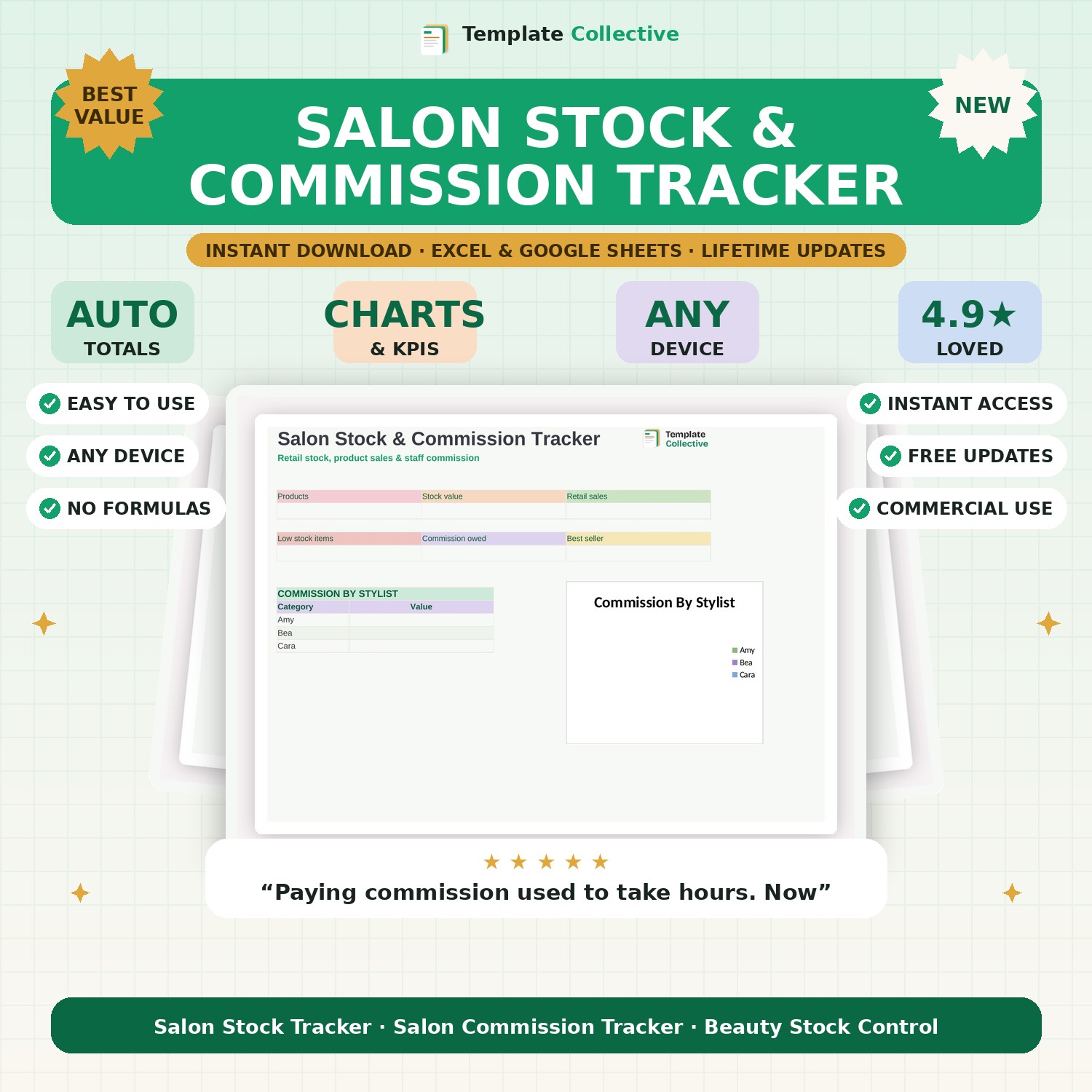
Track retail stock, product sales and staff commission in one place. See stock value, low-stock alerts, retail sales and exactly how much commission each stylist has earned.
Retail is where salons make real margin — but only if the stock and commission are managed properly. This Salon Stock & Commission Tracker keeps your product stock, retail sales and staff commission in one place. Log products with their cost and price, record sales, and the tracker shows your stock value, flags low stock, and works out exactly how much commission each stylist has earned.
The dashboard shows your products, stock value, retail sales, low-stock items, total commission owed and your best-selling product, plus commission by stylist. It takes the friction out of paying commission fairly and makes sure you never run out of your best retail lines.
Built in Excel and Google Sheets with automatic reorder alerts and sample data, it works on any device. Pair it with our [Salon & Beauty Appointment Tracker](#/product/salon-appointment-tracker) to run the whole salon.
Need a hand? Every purchase includes free email support and free updates for life. If a file ever will not open, reply to your receipt and we will sort it.
Yes — set a commission % per sale and it works out what each stylist is owed.
Yes — items are flagged automatically when they hit your reorder level.
Instant digital download. Nothing is shipped. Files are delivered to your email the moment you buy, and you can re-download them any time. Single-business licence.