SheetFreelancer Income & Tax TrackerTemplate Collective
Business & Finance
£14.99£4.99
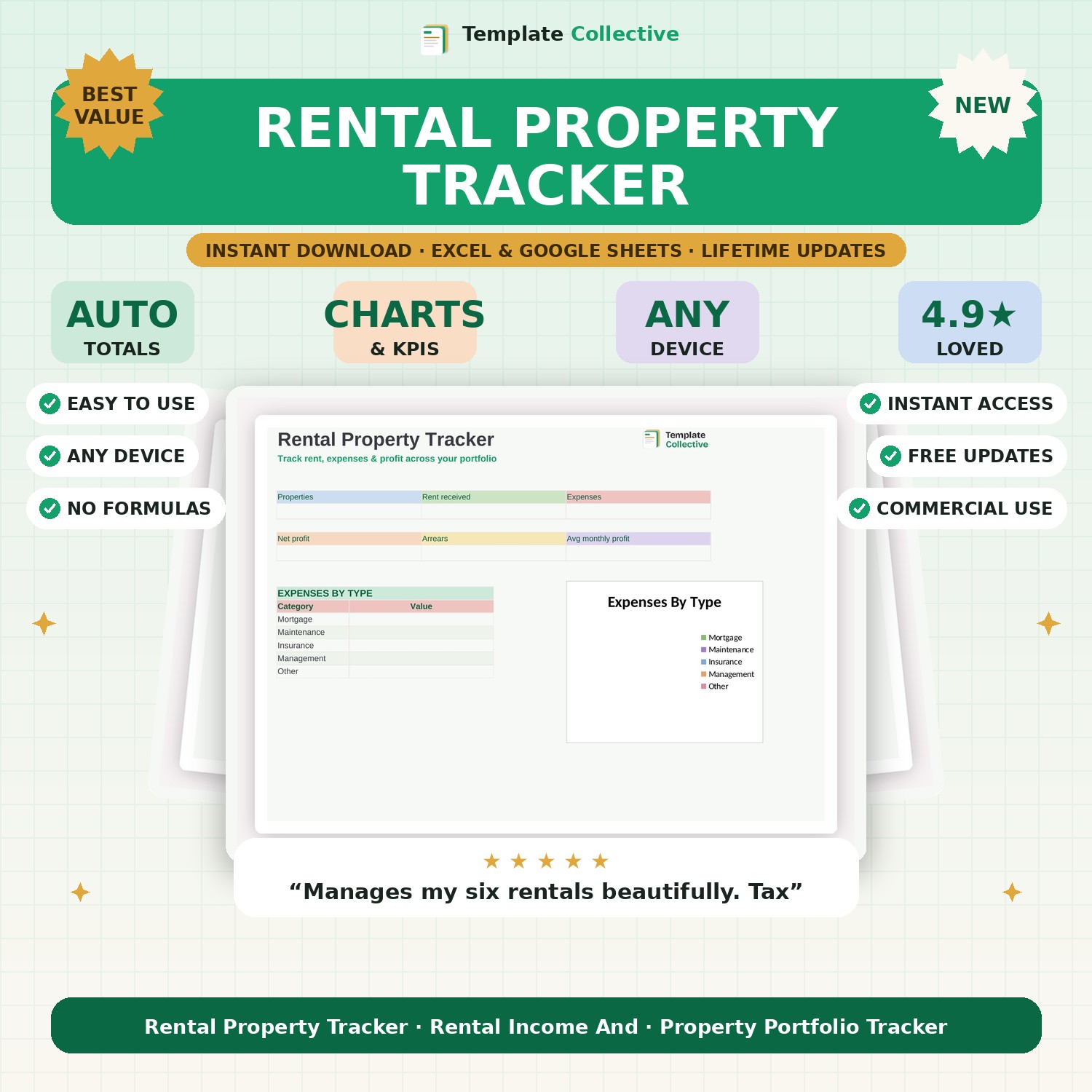
For landlords — track rent, expenses and profit across your whole portfolio in one place, with a dashboard showing net profit, arrears and expenses by type.
Managing rental properties means tracking rent coming in and a stream of expenses going out — this tracker brings it all together. Record every property and its tenant, log rent received and expenses as they happen, and see your portfolio's performance on a clean dashboard: rent received, expenses, net profit and any arrears.
An expenses-by-type breakdown (mortgage, maintenance, insurance, management) shows exactly where your money goes, and the properties tab keeps tenant and let details in one place. It is everything a landlord needs to stay on top of the numbers through the year and hand clean figures to their accountant at tax time.
Built in Excel and Google Sheets with clearly marked input cells and sample data, it works on any device. Perfect for landlords with one property or a whole portfolio. Analyse new deals before you buy with our [Property Deal Analyser](#/product/property-deal-analyser).
Need a hand? Every purchase includes free email support and free updates for life. If a file ever will not open, reply to your receipt and we will sort it.
Yes — add as many properties as you like; the dashboard totals your whole portfolio.
It organises your rental income and expenses ready for your return — always confirm with your accountant.
Instant digital download. Nothing is shipped. Files are delivered to your email the moment you buy, and you can re-download them any time. Single-business licence.