SheetFreelancer Income & Tax TrackerTemplate Collective
Business & Finance
£14.99£4.99
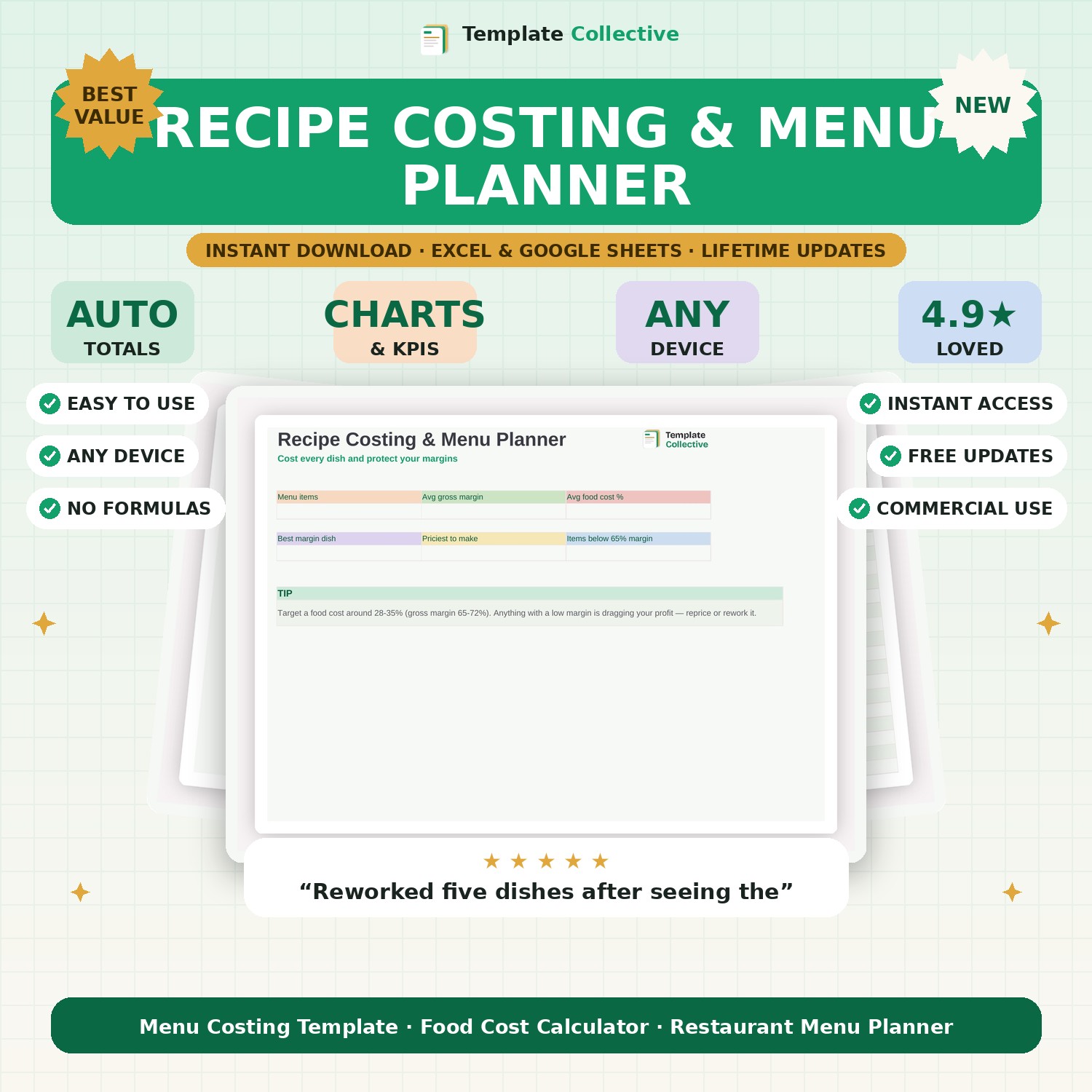
For cafés and restaurants — cost every dish, set the right price, and protect your margins. See your food cost percentage and gross margin on every menu item instantly.
In hospitality, tiny costing mistakes eat your profit. This Recipe Costing & Menu Planner helps you cost every dish properly: enter what it costs to make and your sell price, and it instantly shows your profit, food cost percentage and gross margin — so you can price with confidence and spot the dishes dragging your profit down.
The dashboard shows your average margin, average food cost, your best and priciest dishes, and how many items fall below a healthy margin, so you know exactly where to reprice or rework. Aiming for a food cost of around 28–35% becomes easy when you can see every dish at a glance.
Built in Excel and Google Sheets with a clean, friendly design and sample dishes to guide you, it works on any device. Essential for café owners, restaurateurs and food businesses who want menus that actually make money.
Need a hand? Every purchase includes free email support and free updates for life. If a file ever will not open, reply to your receipt and we will sort it.
Typically 28–35% (a 65–72% gross margin). The tracker flags dishes below that.
Yes — cost any menu item, food or drink.
Instant digital download. Nothing is shipped. Files are delivered to your email the moment you buy, and you can re-download them any time. Single-business licence.