Profit & Margin Calculator
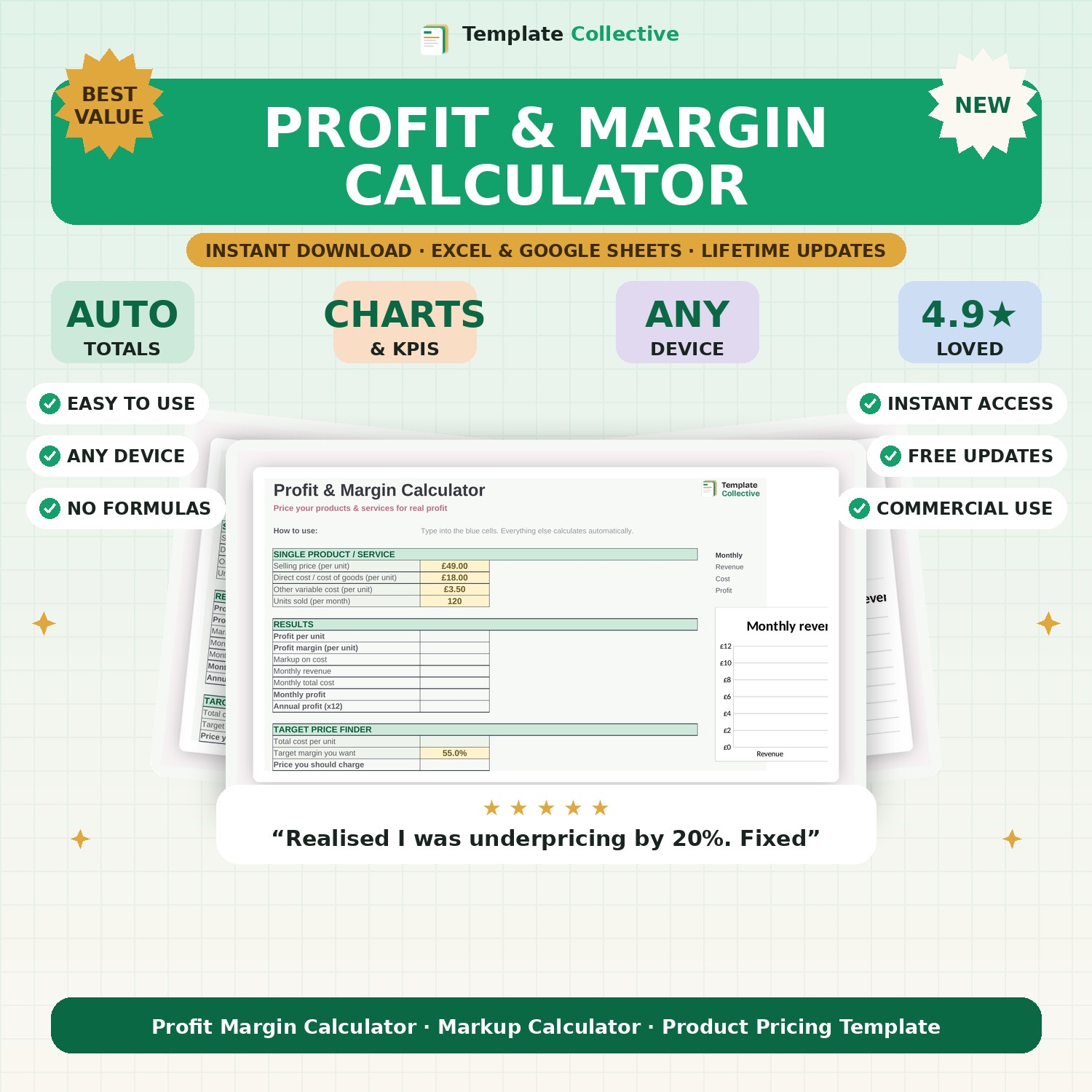
Price your products and services for real profit. Enter your costs and instantly see profit per unit, margin, markup and the exact price to hit your target margin.
What's inside
- Profit per unit, profit margin and markup calculated instantly
- Monthly and annual profit based on your sales volume
- Target price finder — enter the margin you want, get the price to charge
- Clear separation of margin vs markup so you never mix them up
- Colour-coded input cells and worked example included
- Works in Microsoft Excel and Google Sheets
About the Profit & Margin Calculator
Most small businesses guess their prices — and quietly lose money on every sale. The Profit & Margin Calculator takes the guesswork out of pricing. Enter your selling price, costs and volume, and this Excel and Google Sheets template instantly shows your profit per unit, profit margin, markup on cost, and your monthly and annual profit.
It also works backwards. Tell it the margin you want and the built-in target price finder shows exactly what to charge to hit it. That makes it perfect for setting prices on new products, reviewing whether your current pricing actually works, or quoting a service with confidence that you will make money.
Margin and markup are constantly confused, and that confusion is expensive — a 50% markup is only a 33% margin. This pricing calculator keeps them separate and clear, so you always know your real numbers. Simple, accurate and yours to keep.
Who it's for
What's included
- Profit per unit, profit margin and markup calculated instantly
- Monthly and annual profit based on your sales volume
- Target price finder — enter the margin you want, get the price to charge
- Clear separation of margin vs markup so you never mix them up
- Colour-coded input cells and worked example included
- Works in Microsoft Excel and Google Sheets
How to download & use it
- Check your email. The moment your payment goes through, we email your files to the address you enter at checkout. They usually arrive within a minute or two — if not, check your spam or promotions folder.
- Download your files. Open the email and click the download button. Your files save straight to your device — nothing is posted, it is all instant and digital. Keep the email so you can re-download any time.
- Open it. Open the file in Microsoft Excel, or upload it to Google Sheets (in Google Drive: New → File upload, then open with Google Sheets). It works on desktop, tablet and mobile.
- Make it yours. Type into the highlighted input cells — everything else calculates automatically. Most files include a "Start Here" tab and sample data to guide you.
Need a hand? Every purchase includes free email support and free updates for life. If a file ever will not open, reply to your receipt and we will sort it.
Frequently asked questions
What is the difference between margin and markup?
Margin is profit ÷ price; markup is profit ÷ cost. The calculator shows both so you never confuse them.
Can I use it for services, not just products?
Yes. Enter your cost to deliver the service and your price, and it works exactly the same.
Related searches
Related guides
Instant digital download. Nothing is shipped. Files are delivered to your email the moment you buy, and you can re-download them any time. Single-business licence.