SheetFitness & Weight TrackerTemplate Collective
Productivity & Ops
£14.99£4.99
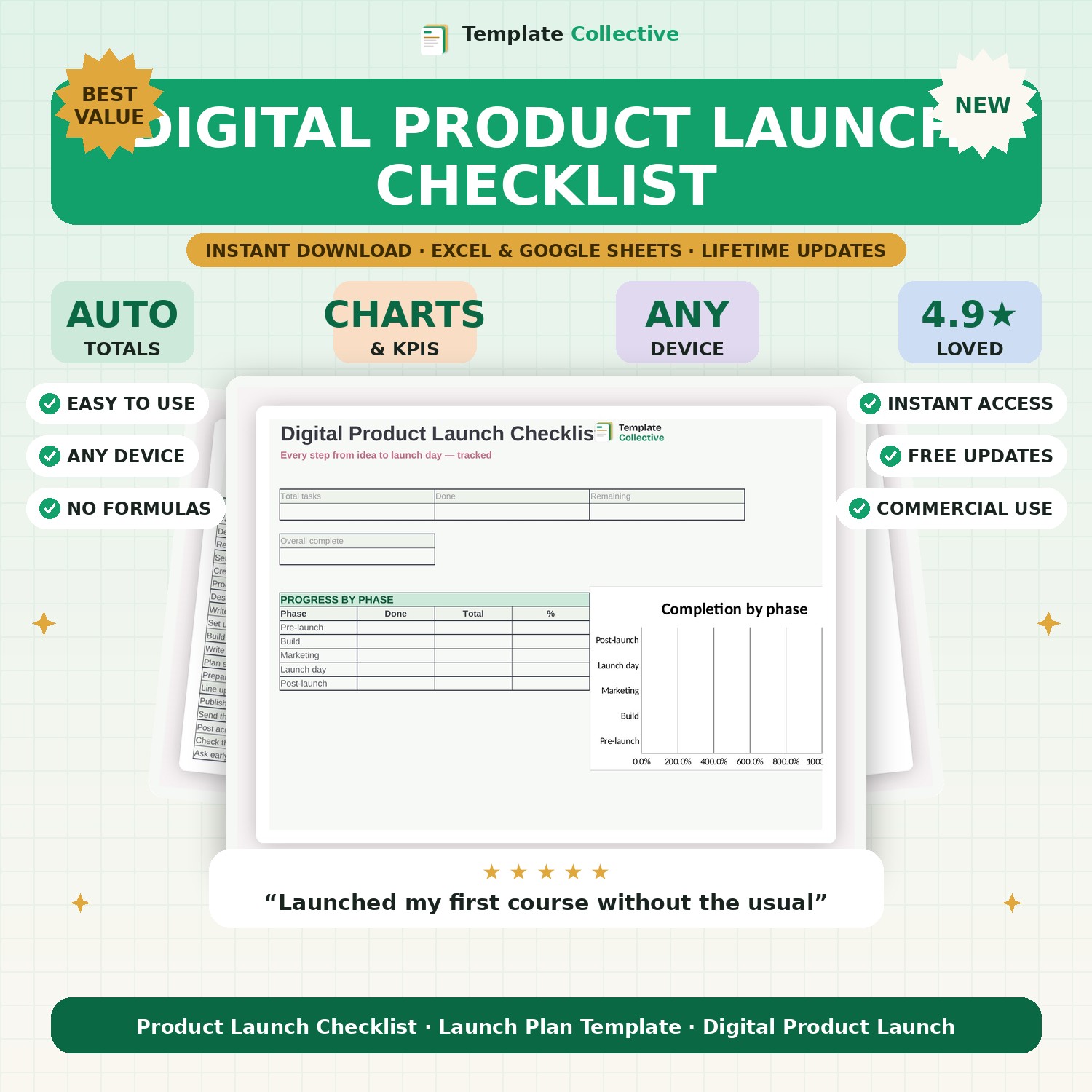
Launch your product without forgetting a thing. 22 tasks across five phases — pre-launch, build, marketing, launch day and post-launch — with automatic progress tracking.
Launching a product involves a hundred small tasks, and forgetting any of them can cost you sales. This Digital Product Launch Checklist gives you a proven, ready-made plan covering every step from validating your idea to following up after launch day. Tick tasks off as you go and watch your progress update automatically.
The 22 tasks are organised into five phases — pre-launch, build, marketing, launch day and post-launch — so you always know what to do next. The dashboard shows your overall completion and your progress in each phase, turning an overwhelming launch into a calm, clear sequence. It is perfect for anyone selling digital products, courses or services who wants nothing to slip through the cracks.
Built in Excel and Google Sheets with a colour-coded done column, owners and due dates, and freeze panes for mobile. Use it alongside our [Social Media Content Calendar](#/product/social-media-content-calendar) to plan your launch promotion.
Need a hand? Every purchase includes free email support and free updates for life. If a file ever will not open, reply to your receipt and we will sort it.
Yes — add, remove or rename tasks and the phase progress updates automatically.
It is written for digital launches but works for any product or service launch.
Instant digital download. Nothing is shipped. Files are delivered to your email the moment you buy, and you can re-download them any time. Single-business licence.