SheetFreelancer Income & Tax TrackerTemplate Collective
Business & Finance
£14.99£4.99
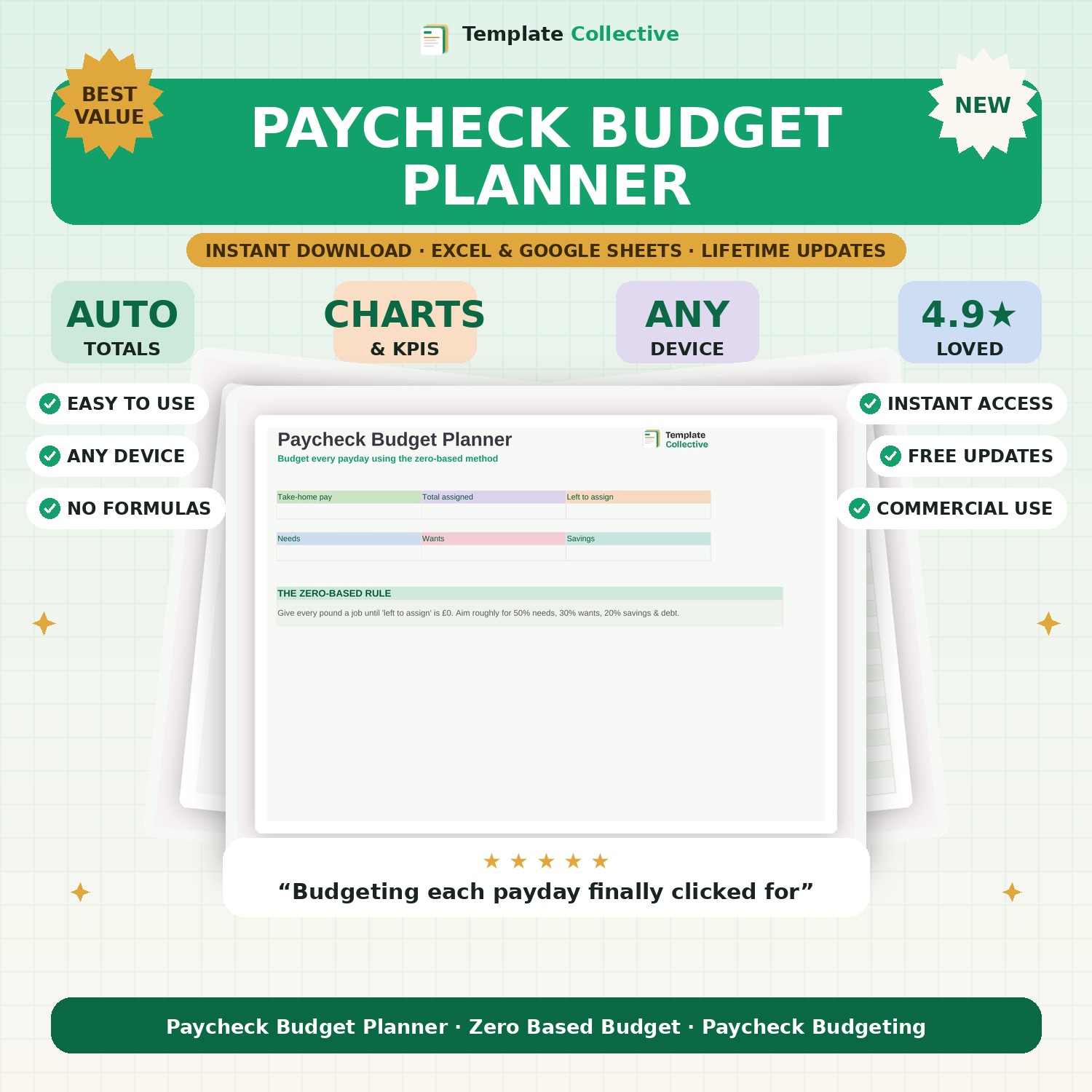
Budget every payday with the zero-based method. Give every pound a job across needs, wants and savings, and see exactly where your money goes each paycheck.
Budgeting by the month is hard when you get paid weekly or fortnightly — so budget by the paycheck instead. This Paycheck Budget Planner uses the proven zero-based method: you assign every pound of your take-home pay to a category until there is nothing left unassigned, so your money always has a plan.
Split your spending into needs, wants and savings, track what you actually spend against each, and see your leftover shrink to zero on a clear dashboard. It shows how much you have assigned, what is left to assign, and your split across needs, wants and savings — making it easy to follow the popular 50/30/20 guideline.
Built in Excel and Google Sheets with a clean, friendly design and sample data to guide you, it works on any device so you can budget the moment you get paid. Perfect for anyone paid weekly or fortnightly who wants to feel in control of their money.
Need a hand? Every purchase includes free email support and free updates for life. If a file ever will not open, reply to your receipt and we will sort it.
You assign every pound of your pay to a category until nothing is left unassigned — so your money always has a plan.
Yes — it is built for weekly and fortnightly pay, not just monthly.
Instant digital download. Nothing is shipped. Files are delivered to your email the moment you buy, and you can re-download them any time. Single-business licence.