SheetFitness & Weight TrackerTemplate Collective
Productivity & Ops
£14.99£4.99
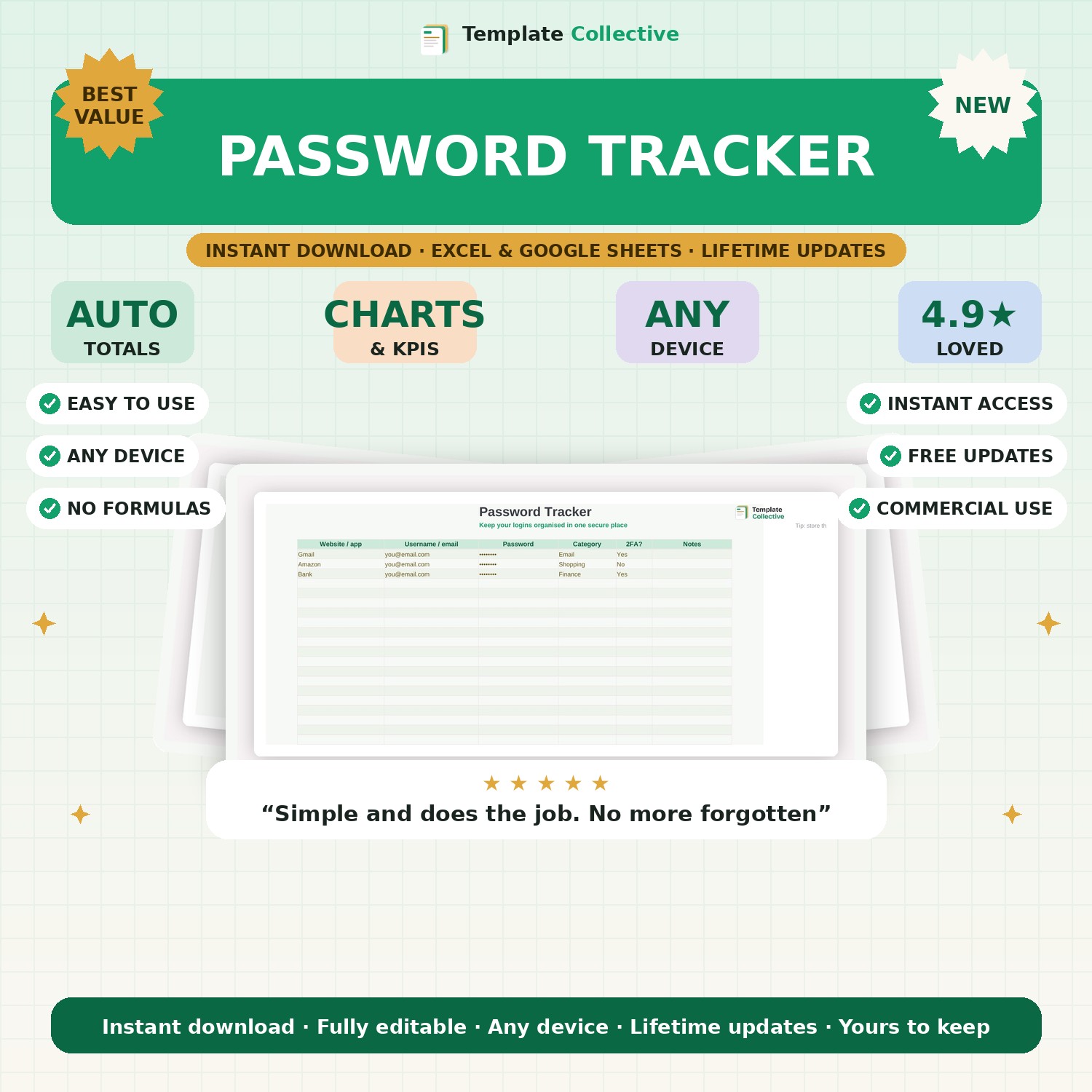
Keep all your logins organised in one place. A simple, clean password tracker for websites and apps — with category, 2FA status and notes. Store it securely and never hunt for a password again.
We all have dozens of logins, and remembering them is impossible. This simple Password Tracker gives you one clean, organised place to record every website and app login — username, password, category, whether two-factor is on, and any notes. No more resetting passwords every time you sign in.
It is deliberately simple and private: a single, easy-to-scan sheet you control, with categories so you can quickly find the login you need. Keep it somewhere secure and, if you like, password-protect the file itself for an extra layer of safety.
Built in Excel and Google Sheets, it works on any device. A quiet everyday essential. Please note: for maximum security, a dedicated password manager app is best for very sensitive accounts — this is a simple, offline organiser you fully own.
Need a hand? Every purchase includes free email support and free updates for life. If a file ever will not open, reply to your receipt and we will sort it.
It is a private file you control — store it safely and password-protect it. For very sensitive accounts a dedicated manager app is best.
Yes, in the Excel or Google Sheets app.
Instant digital download. Nothing is shipped. Files are delivered to your email the moment you buy, and you can re-download them any time. Single-business licence.