SheetFreelancer Income & Tax TrackerTemplate Collective
Business & Finance
£14.99£4.99
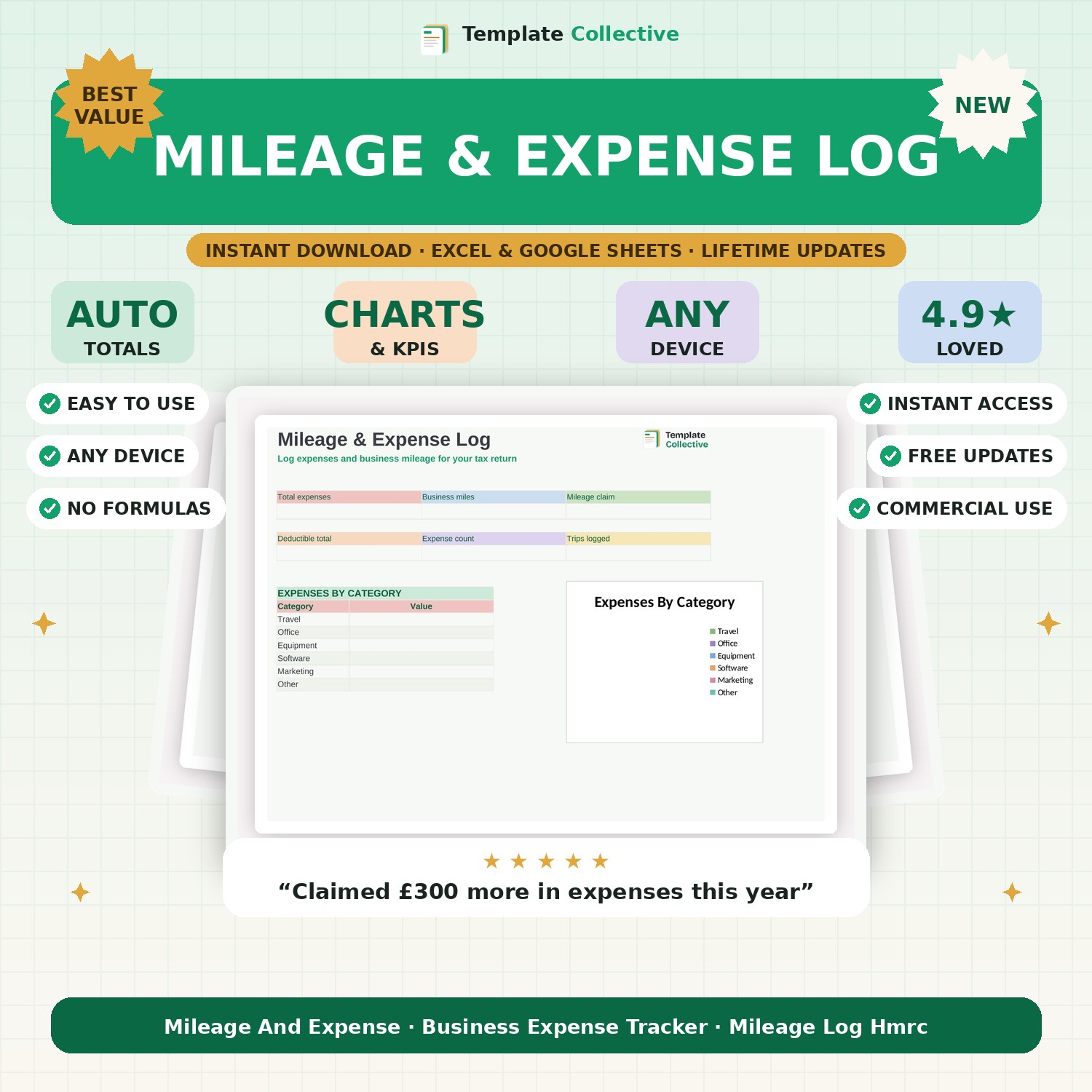
Log your business expenses and mileage all year, ready for your tax return. Automatic mileage claim at HMRC rates and a clear deductible total — hand clean figures to your accountant.
Missing expenses and mileage means paying more tax than you need to — this log makes sure you claim everything. Record your business expenses by category and log every business journey, and it totals your allowable expenses and calculates your mileage claim at the HMRC-approved 45p per mile automatically, so nothing is left on the table.
The dashboard shows your total expenses, business miles, mileage claim, full deductible total, expense count and trips logged, plus an expenses-by-category breakdown that lines up with your tax return. Keep it through the year and self-assessment becomes a five-minute job instead of a weekend of receipts.
Built in Excel and Google Sheets with clearly marked input cells and sample entries, it works on any device so you can log a trip or expense on the go. Pair it with our [Self-Assessment Tax Prep](#/product/self-assessment-prep) and [Bookkeeping Tracker](#/product/bookkeeping-tracker).
Need a hand? Every purchase includes free email support and free updates for life. If a file ever will not open, reply to your receipt and we will sort it.
The HMRC-approved 45p per mile, which you can adjust if needed.
No — it organises your figures ready for your return; always confirm with your accountant.
Instant digital download. Nothing is shipped. Files are delivered to your email the moment you buy, and you can re-download them any time. Single-business licence.