SheetFreelancer Income & Tax TrackerTemplate Collective
Business & Finance
£14.99£4.99
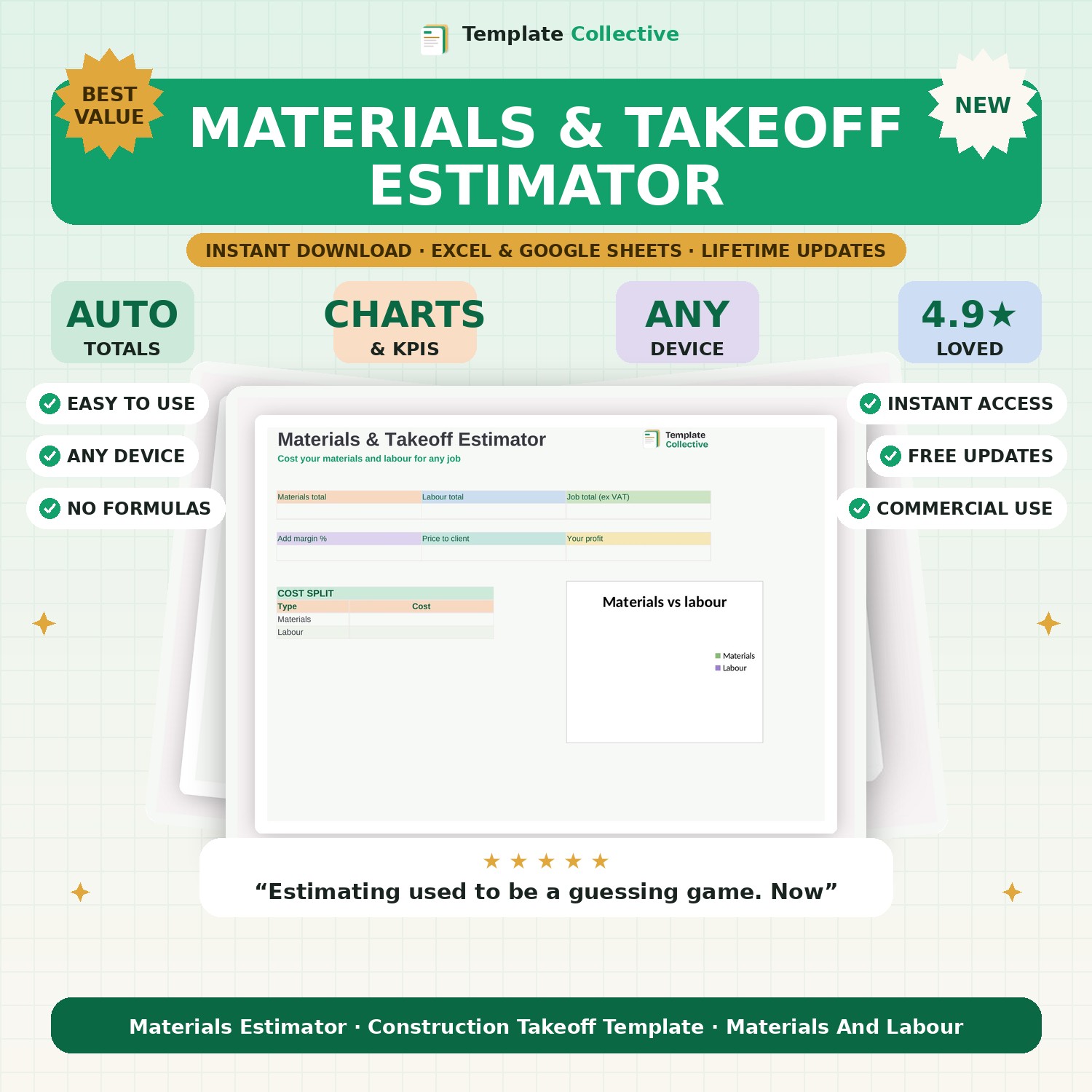
Cost any construction job accurately. List your materials and labour, add your margin, and get the total cost and the price to quote the client — with a clean cost breakdown.
Accurate estimating is what keeps a construction business profitable, and this Materials & Takeoff Estimator makes it fast. List your materials with quantities, unit prices and waste allowance, add your labour by task and day rate, and the estimator totals it all up, adds your margin, and gives you a clear price to quote the client — plus exactly how much profit you will make.
A materials-versus-labour breakdown shows where the cost sits, and the waste percentage on each material means your quantities are realistic, not optimistic. It takes the risk out of quoting big jobs and stops the costly mistakes that come from estimating in your head or on the back of a drawing.
Built in Excel and Google Sheets with clearly marked input cells and sample data, it works on any device. Perfect for builders, contractors and tradespeople who quote on materials and labour. Track the jobs you win with our [Construction Job & Bid Tracker](#/product/construction-job-bid-tracker).
Need a hand? Every purchase includes free email support and free updates for life. If a file ever will not open, reply to your receipt and we will sort it.
Yes — set a waste % per material so your quantities are realistic.
Yes — set your margin and it shows the client price and your profit.
Instant digital download. Nothing is shipped. Files are delivered to your email the moment you buy, and you can re-download them any time. Single-business licence.