SheetFreelancer Income & Tax TrackerTemplate Collective
Business & Finance
£14.99£4.99
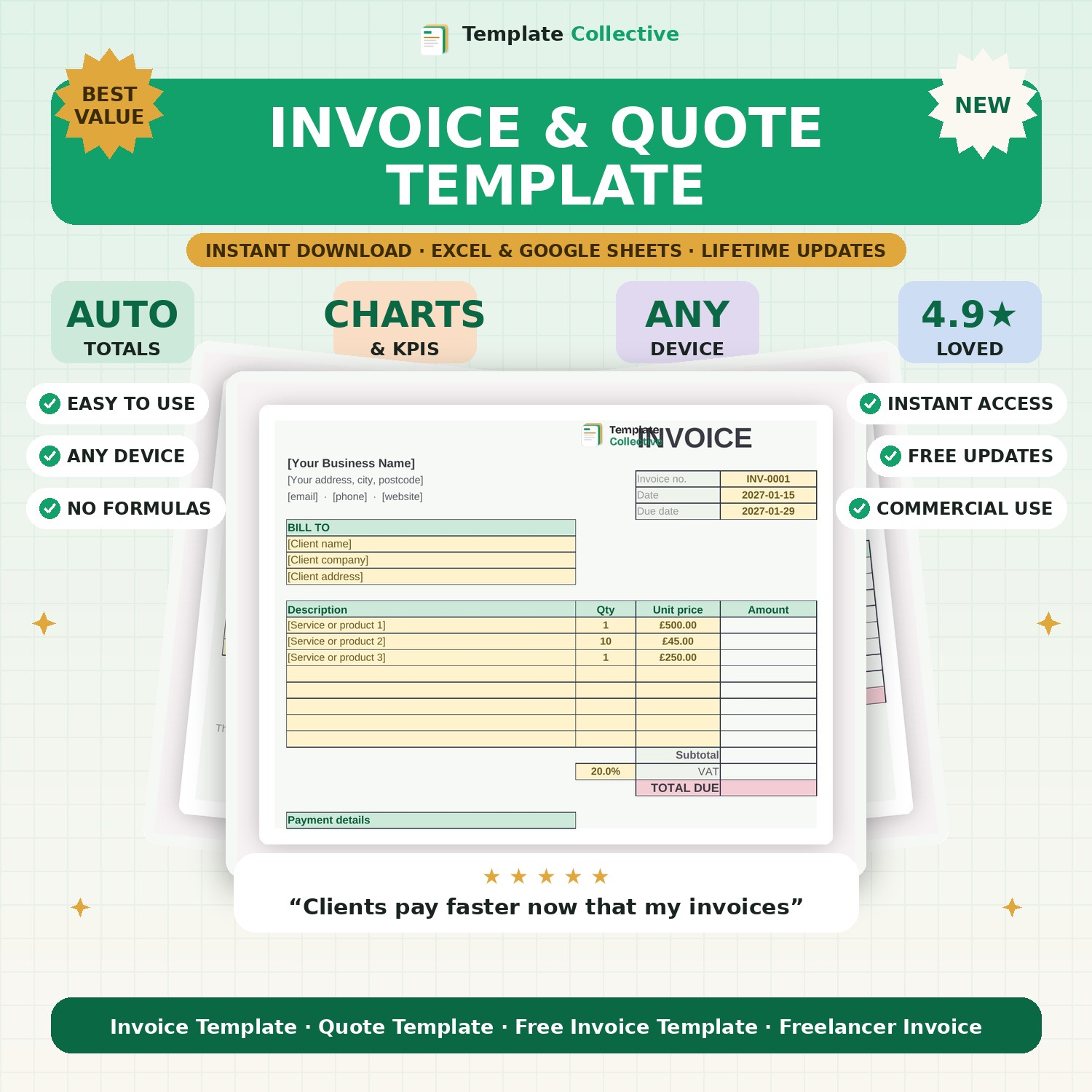
Send professional invoices and quotes that get you paid faster. Auto-calculating totals and VAT, your branding, and a clean layout — invoice and quote in one file.
Looking professional and getting paid on time starts with a proper invoice. This Invoice & Quote Template gives you both in one clean, branded file. Add your line items and the subtotal, VAT and total all calculate automatically — no maths, no mistakes, no scrambling in a word processor.
The invoice tab includes everything a proper invoice needs: your details, the client’s details, invoice number and dates, itemised lines, VAT and a clear total due, plus space for your payment details and terms. The matching quote tab lets you send professional quotes that convert into invoices with a couple of edits. It is the everyday essential every freelancer and small business needs.
Built in Excel and Google Sheets with clearly marked input cells and a print-ready layout, it is simple to use and yours to keep. Track what you’ve sent and what you’re owed with our [Client Management Dashboard](#/product/client-management-dashboard).
Need a hand? Every purchase includes free email support and free updates for life. If a file ever will not open, reply to your receipt and we will sort it.
Yes — the 20% rate is in the formula and easily changed, or set it to zero if you are not VAT registered.
Yes — the layout leaves room for your branding and details at the top.
Instant digital download. Nothing is shipped. Files are delivered to your email the moment you buy, and you can re-download them any time. Single-business licence.