SheetFitness & Weight TrackerTemplate Collective
Productivity & Ops
£14.99£4.99
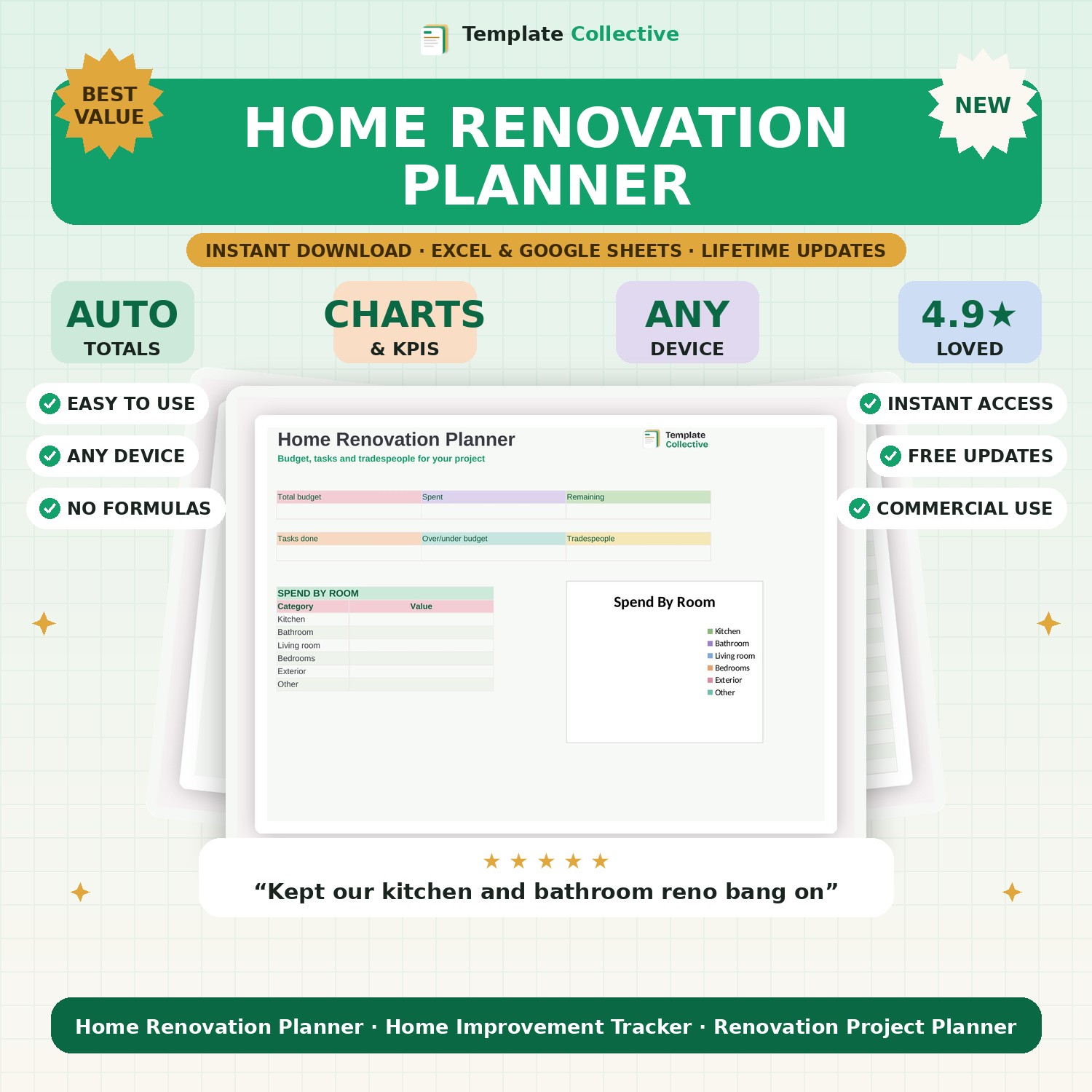
Plan your renovation without the stress or the budget blowout. Track your budget by room, manage tasks and tradespeople, and see exactly where your money is going.
Renovations run over budget when there is no plan — this Home Renovation Planner keeps yours on track. Set your total budget, break it down by room, and track estimated versus quoted versus actual spend so you always know exactly where your money is going and whether you are over or under. No nasty surprises halfway through the job.
Alongside the budget, a task list keeps every job organised by room and trade with due dates, and a contacts tab keeps your tradespeople, their quotes and booking status in one place. The dashboard shows your budget, spend, remaining funds, tasks done and spend by room, so the whole project stays calm and under control.
Built in Excel and Google Sheets with a soft, clear design and sample content, it works on any device. Perfect for anyone renovating a home, a room or a whole property. For pricing up building work, see our [Materials & Takeoff Estimator](#/product/materials-takeoff-estimator).
Need a hand? Every purchase includes free email support and free updates for life. If a file ever will not open, reply to your receipt and we will sort it.
Yes — set a budget per room and see exactly where the money goes.
Yes — the contacts tab keeps trades, quotes and booking status together.
Instant digital download. Nothing is shipped. Files are delivered to your email the moment you buy, and you can re-download them any time. Single-business licence.