SheetSide Hustle Profit TrackerTemplate Collective
Business & Finance
£14.99£4.99
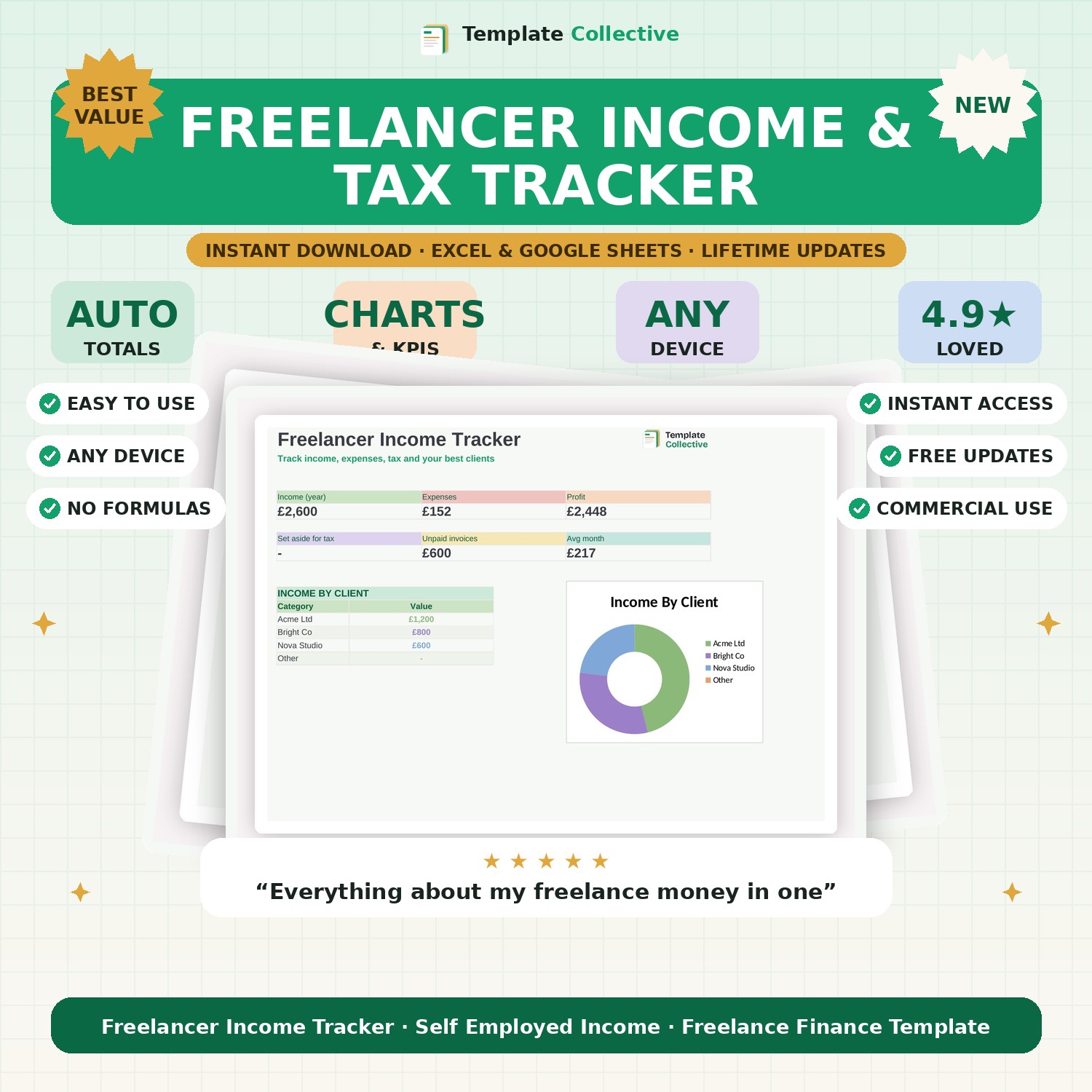
Track your freelance income, expenses and tax all year. See your profit, what to set aside for tax, unpaid invoices and your best clients — everything in one place.
Freelancing gives you freedom, but the money side can be a mess — this tracker sorts it. Log your income and expenses through the year and it shows your profit, how much to set aside for tax and National Insurance, which invoices are still unpaid and which clients earn you the most, so you always know exactly where you stand.
The dashboard shows your yearly income, expenses, profit, tax to set aside, unpaid invoices and average month, with an income-by-client breakdown so you can see where your work comes from. It is the simple financial overview every freelancer needs to stay in control, get paid on time and never be surprised by a tax bill.
Built in Excel and Google Sheets with clearly marked input cells and sample data, it works on any device. Pair it with our [Self-Assessment Tax Prep](#/product/self-assessment-prep) and [Invoice & Quote Template](#/product/invoice-quote-template).
Need a hand? Every purchase includes free email support and free updates for life. If a file ever will not open, reply to your receipt and we will sort it.
Yes — it estimates what to set aside for Income Tax and NI from your profit.
Yes — mark invoices paid or unpaid and see what you are still owed.
Instant digital download. Nothing is shipped. Files are delivered to your email the moment you buy, and you can re-download them any time. Single-business licence.