SheetFreelancer Income & Tax TrackerTemplate Collective
Business & Finance
£14.99£4.99
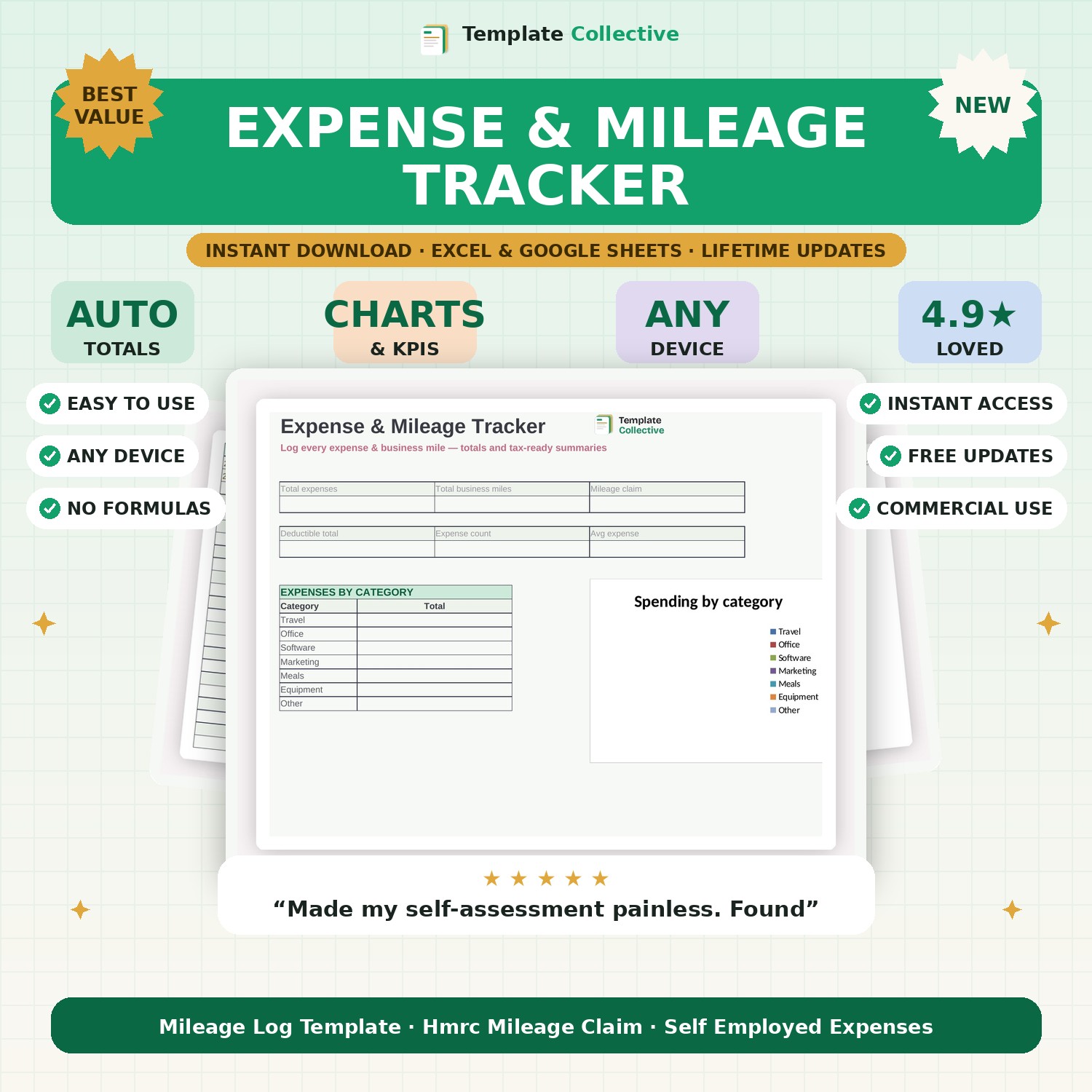
Log every business expense and mile in one place and get tax-ready totals automatically. Category breakdowns, HMRC mileage claims and a clean dashboard.
Keeping on top of business expenses should not mean a shoebox of receipts at year end. This Expense & Mileage Tracker gives you one simple, automated place to log every expense and every business mile, with tax-ready totals building as you go. Enter an expense and it flows straight into your category breakdown and dashboard; log a journey and your mileage claim is calculated for you at the HMRC-approved rate.
The dashboard shows your total expenses, total business miles, mileage claim and full deductible total at a glance, plus a category pie chart so you can see exactly where the money goes. It is perfect for freelancers, sole traders and small limited companies who want to claim everything they are entitled to and hand clean numbers to their accountant.
Built in Excel and Google Sheets with clearly marked input cells, sample rows and freeze panes so it works beautifully on your phone as well as your laptop. No subscription, yours to keep, with free updates.
Need a hand? Every purchase includes free email support and free updates for life. If a file ever will not open, reply to your receipt and we will sort it.
The HMRC-approved rate (45p/mile for the first 10,000 miles), and you can change it in the rate column any time.
No — it organises your figures ready for your return, but always check with a qualified accountant.
Instant digital download. Nothing is shipped. Files are delivered to your email the moment you buy, and you can re-download them any time. Single-business licence.