New
SheetSalon Marketing & Loyalty TrackerTemplate Collective
Marketing & Sales
£14.99£4.99
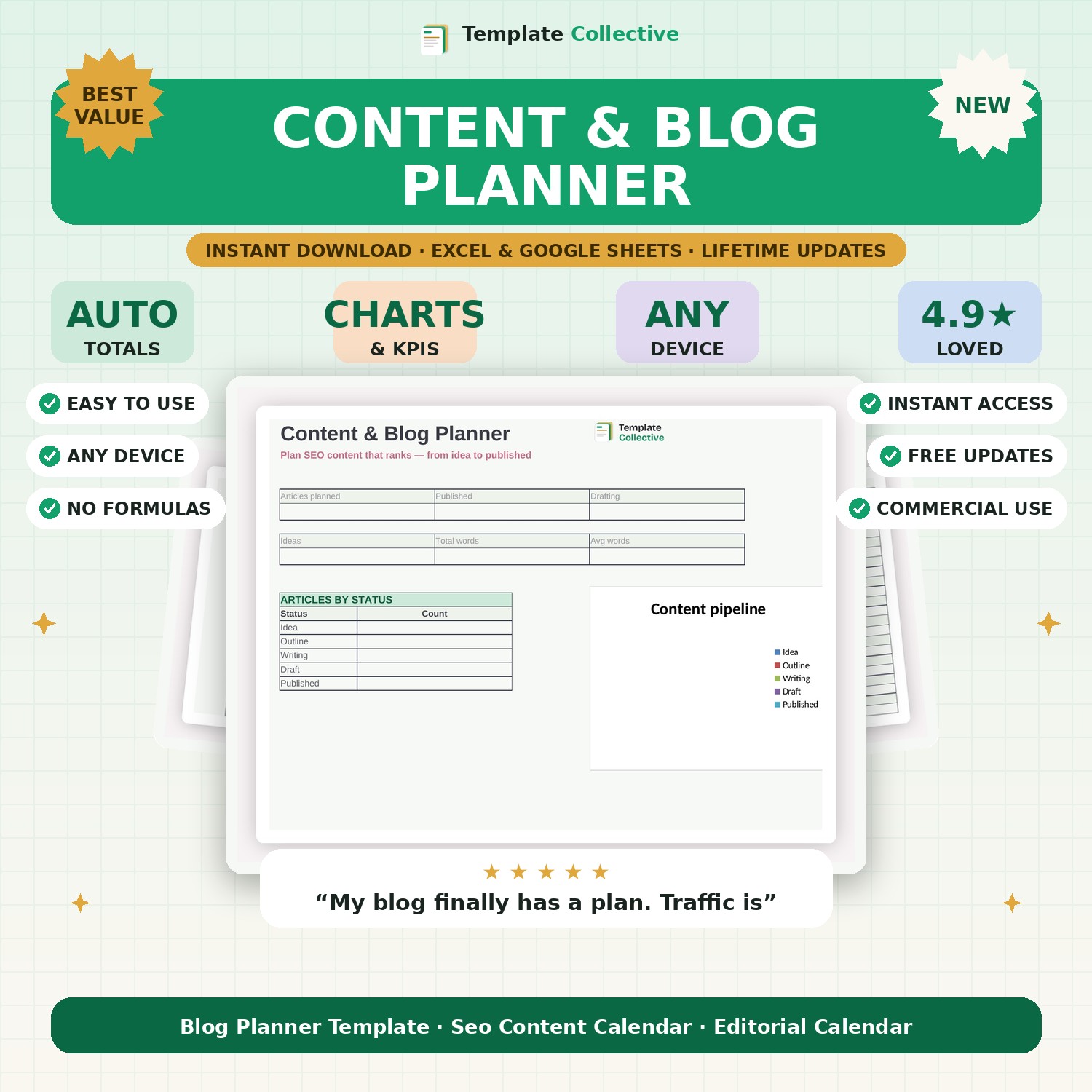
Plan SEO content that ranks. Track every article from idea to published with keywords, content pillars, word counts and a pipeline dashboard — built for organic traffic.
Ranking on Google takes consistent, planned content — not random posting. This Content & Blog Planner gives you one place to plan, write and publish SEO content that actually gets found. For every article you capture the target keyword, content pillar, audience, word count and the internal link it should drive, then move it through your pipeline from idea to published.
The dashboard shows how many articles are planned, in progress and published, your total word count, and your content pipeline at a glance — so you always know what to write next and never let your blog go quiet. It is the planning layer that turns content from a chore into a system that compounds into organic traffic.
Built in Excel and Google Sheets with a colour-coded status system, sample articles and freeze panes for mobile, it pairs perfectly with our [SEO Content Brief Template](#/product/seo-content-brief-template) — plan here, brief there, publish, repeat.
Need a hand? Every purchase includes free email support and free updates for life. If a file ever will not open, reply to your receipt and we will sort it.
This is built for long-form SEO content (blogs/articles); the social calendar is for social posts. They work well together.
Yes — it plans keywords, intent and internal links, the foundations of content that ranks.
Instant digital download. Nothing is shipped. Files are delivered to your email the moment you buy, and you can re-download them any time. Single-business licence.