SheetFreelancer Income & Tax TrackerTemplate Collective
Business & Finance
£14.99£4.99
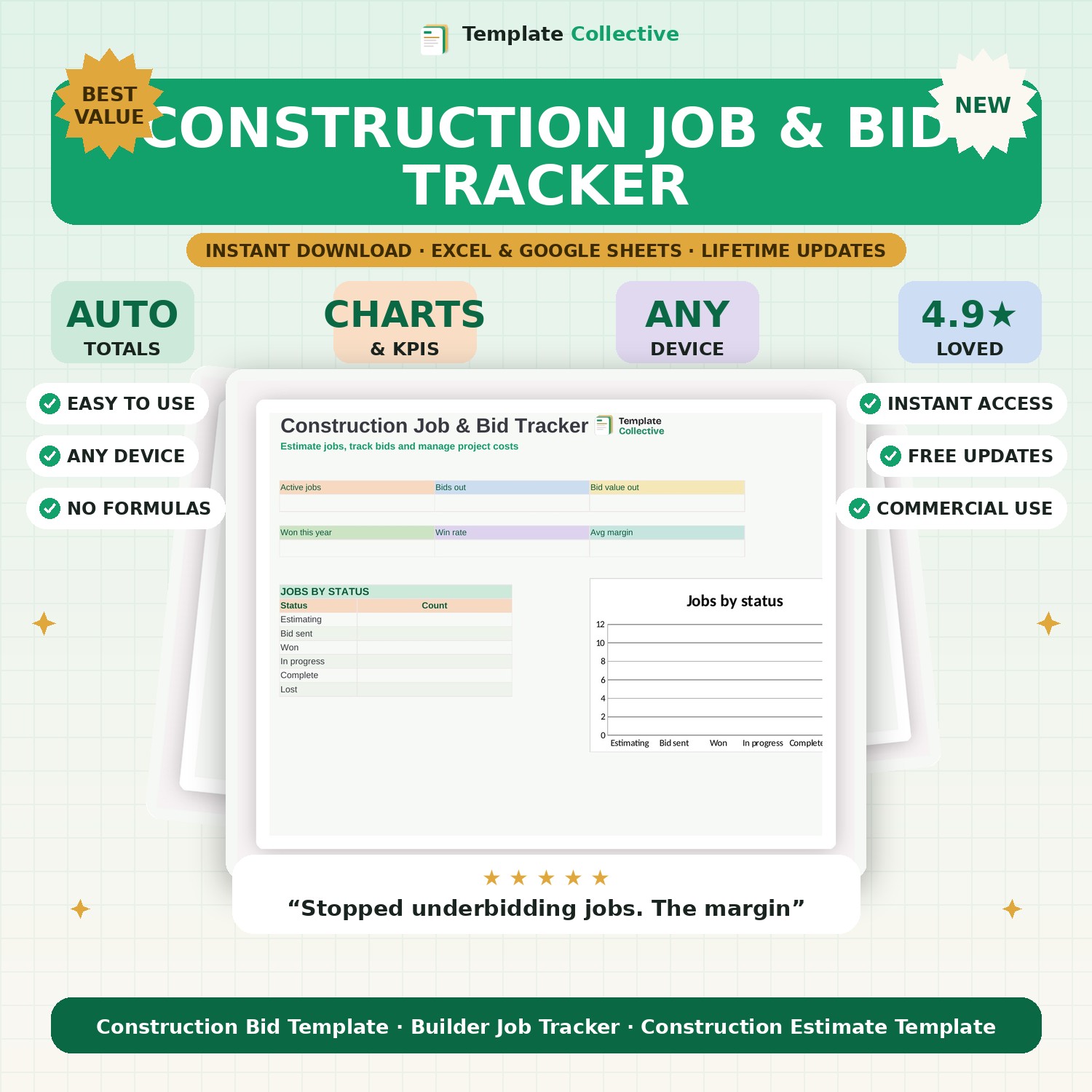
Win more work and protect your margins. Estimate jobs, track every bid, and manage project costs and profit in one spreadsheet built for builders and contractors.
Running a construction business means juggling estimates, bids and jobs — and losing track of any of them costs you money. This Construction Job & Bid Tracker keeps every job in one place, from first estimate to final invoice, and shows you the numbers that matter: active jobs, bids out, win rate and the profit margin on every project.
Build a quick materials-and-labour estimate, turn it into a bid, and track whether you won or lost it — with a dashboard that shows jobs by status and your average margin so you know which work is actually worth chasing. No more guessing on price or wondering whether a job made money; the profit and margin calculate automatically on every line.
Built in Excel and Google Sheets with a clean, easy layout and sample jobs to guide you, it works on any device — including from the van. Perfect for builders, contractors and construction firms who want to bid with confidence and protect their margins. Pair it with our [Invoice & Quote Template](#/product/invoice-quote-template) to bill jobs professionally.
Need a hand? Every purchase includes free email support and free updates for life. If a file ever will not open, reply to your receipt and we will sort it.
Yes — the estimate tab adds up materials and labour into a total you can bid from.
Yes — mark jobs won or lost and the dashboard shows your win rate and average margin.
Instant digital download. Nothing is shipped. Files are delivered to your email the moment you buy, and you can re-download them any time. Single-business licence.