SheetFitness & Weight TrackerTemplate Collective
Productivity & Ops
£14.99£4.99
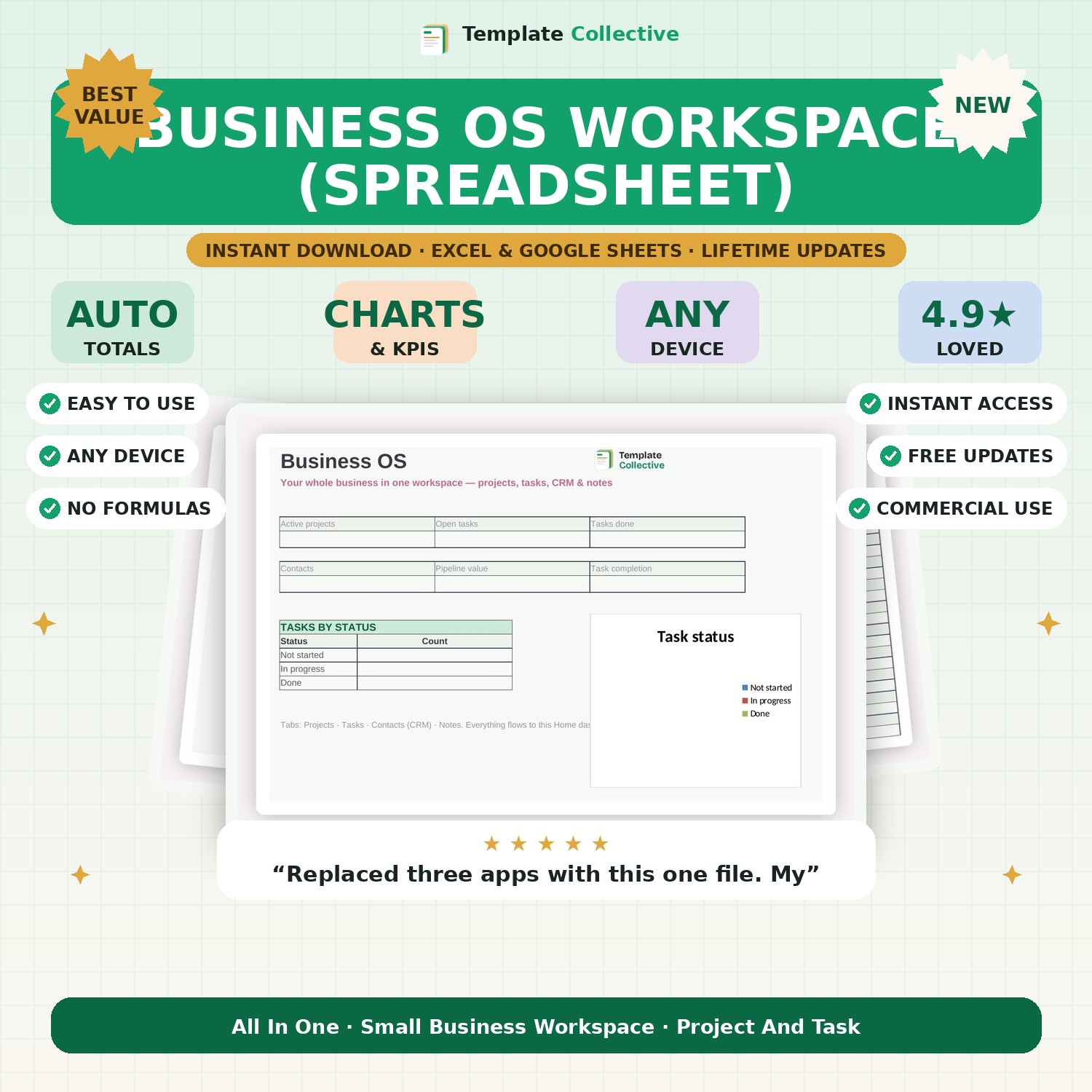
Run your whole business from one spreadsheet — projects, tasks, a simple CRM and notes, all feeding one dashboard. A Notion-style workspace in Excel and Google Sheets.
If your business lives across a dozen apps and sticky notes, this brings it together. The Business OS Workspace is an all-in-one, Notion-style workspace built in a spreadsheet — projects, tasks, a simple CRM and notes, all connected to one Home dashboard that shows your active projects, open tasks, contacts, pipeline value and task completion at a glance.
Plan your projects, break them into tasks with owners and due dates, keep your contacts and last-contact dates in the CRM, and capture ideas and decisions in notes — all in one file you fully own, with no monthly subscription. It is the calm, central hub small businesses and solo founders need without the cost or complexity of building it in software.
Built in Excel and Google Sheets with colour-coded statuses, sample data and freeze panes for mobile. Please note this is a spreadsheet workspace (not a native Notion file), which means it works anywhere Excel or Google Sheets does. For deeper finances, add our [Business Financial Dashboard](#/product/business-financial-dashboard).
Need a hand? Every purchase includes free email support and free updates for life. If a file ever will not open, reply to your receipt and we will sort it.
No — it is a spreadsheet workspace inspired by Notion, so it works in Excel and Google Sheets on any device, with no account needed.
Yes — add as many rows as you like; the dashboard updates automatically.
Instant digital download. Nothing is shipped. Files are delivered to your email the moment you buy, and you can re-download them any time. Single-business licence.