SheetFreelancer Income & Tax TrackerTemplate Collective
Business & Finance
£14.99£4.99
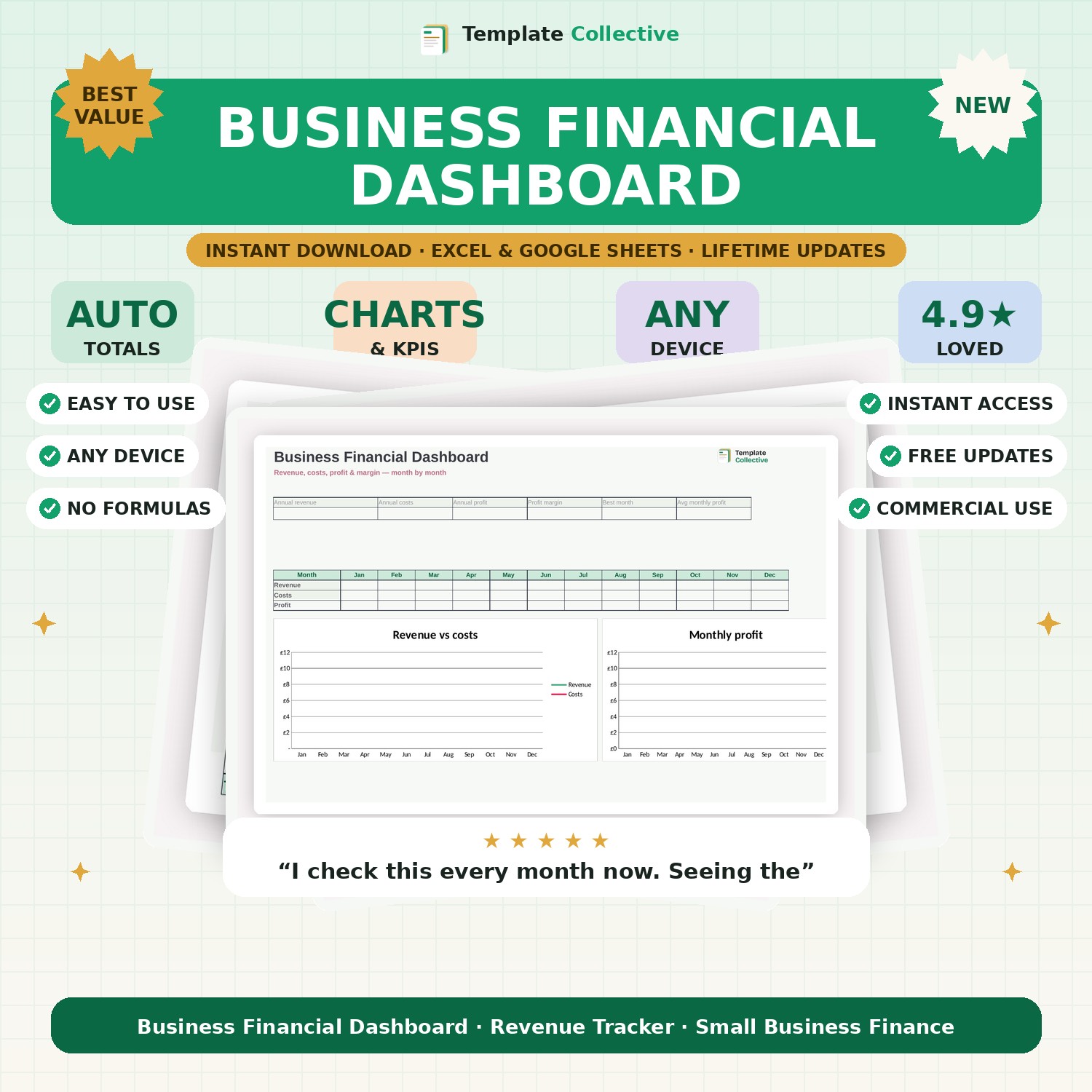
See your revenue, costs, profit and margin month by month on one clean dashboard. Enter your numbers and get instant charts, KPIs and your best-performing month.
Running a business without watching your numbers is like driving with your eyes closed. This Business Financial Dashboard puts your whole financial picture on one screen. Enter your monthly revenue and costs, and it instantly calculates your profit, your margin and your key metrics — then charts them so trends jump out.
The dashboard shows your annual revenue, costs, profit and profit margin, your average monthly profit and your best-performing month, alongside a revenue-versus-costs trend line and a monthly profit chart. It is the financial overview every founder should check monthly, without needing an accountant or accounting software to produce it.
Built in Excel and Google Sheets with clearly marked input cells, a full year of sample data and freeze panes for mobile, it is simple to use and yours to keep. Pair it with the [12-Month Cash Flow Planner](#/product/cash-flow-planner) to forecast the months ahead.
Need a hand? Every purchase includes free email support and free updates for life. If a file ever will not open, reply to your receipt and we will sort it.
No. Enter revenue and costs each month and the dashboard does the rest.
This version tracks total monthly costs for a clean overview; pair it with our expense tracker for category detail.
Instant digital download. Nothing is shipped. Files are delivered to your email the moment you buy, and you can re-download them any time. Single-business licence.