SheetFreelancer Income & Tax TrackerTemplate Collective
Business & Finance
£14.99£4.99
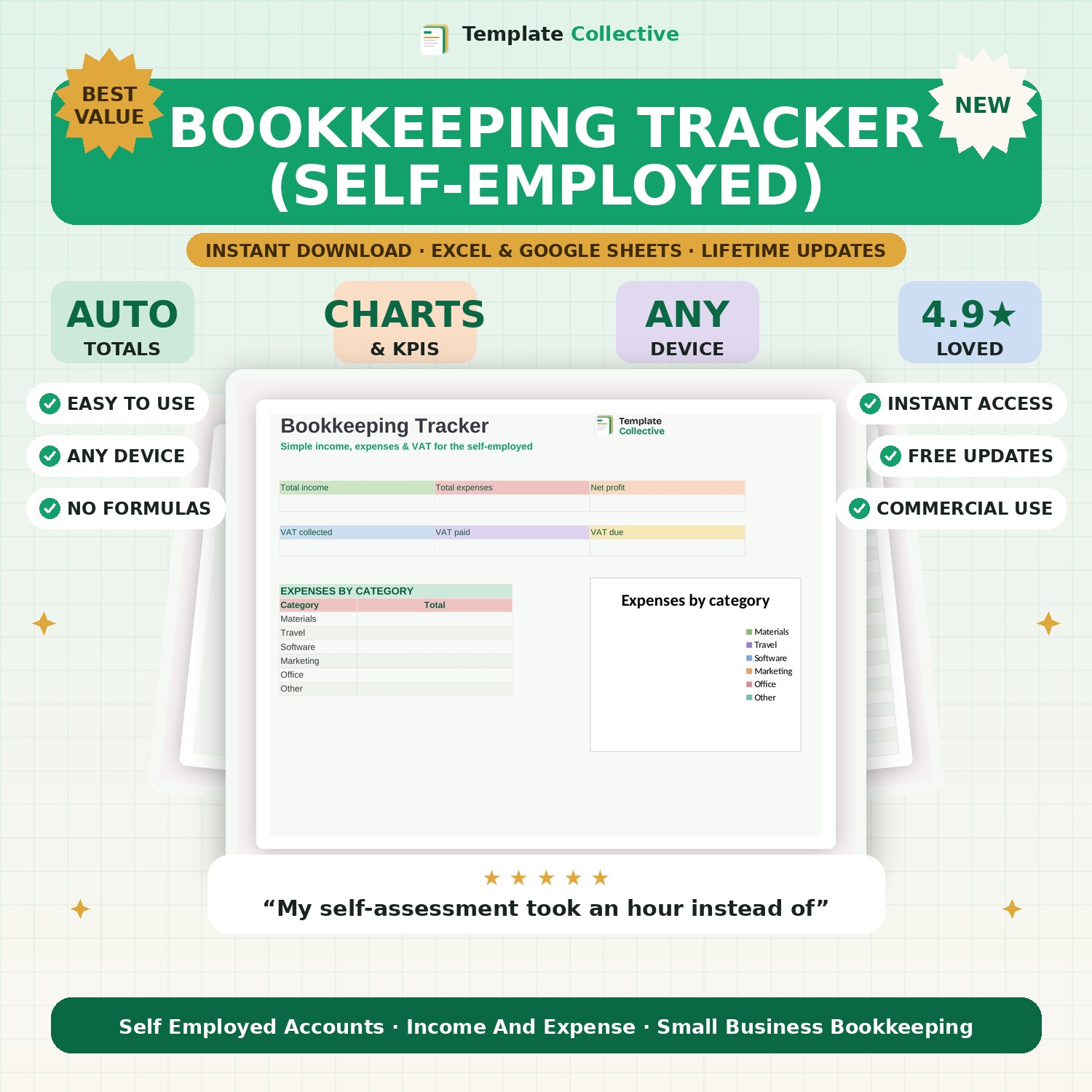
Simple bookkeeping for the self-employed. Track income, expenses and VAT in one ledger, with a dashboard that shows your profit and VAT position — ready for your return.
You do not need complicated accounting software to keep clean books — you need one simple, organised ledger. This Bookkeeping Tracker lets self-employed people and small businesses record every bit of income and every expense in one place, with VAT and gross totals worked out automatically, and a dashboard that shows your profit and VAT position at a glance.
Log a transaction as income or expense, tag its category, and the tracker keeps a running total of your total income, total expenses, net profit, VAT collected, VAT paid and VAT due — plus an expenses-by-category breakdown so you can see where the money goes. It is everything you need to stay on top of your numbers through the year and hand clean figures to your accountant or self-assessment.
Built in Excel and Google Sheets with clearly marked input cells and sample entries, it works on any device. Please note it is a bookkeeping tool to organise your figures, not tax advice — always confirm with your accountant. For deeper VAT-by-quarter tracking, see our [VAT & Tax-Prep Tracker](#/product/vat-tax-prep-tracker).
Need a hand? Every purchase includes free email support and free updates for life. If a file ever will not open, reply to your receipt and we will sort it.
No — just log income and expenses; the tracker does the totals and VAT.
No — it organises your figures ready for your return. Always confirm with a qualified accountant.
Instant digital download. Nothing is shipped. Files are delivered to your email the moment you buy, and you can re-download them any time. Single-business licence.