SheetFreelancer Income & Tax TrackerTemplate Collective
Business & Finance
£14.99£4.99
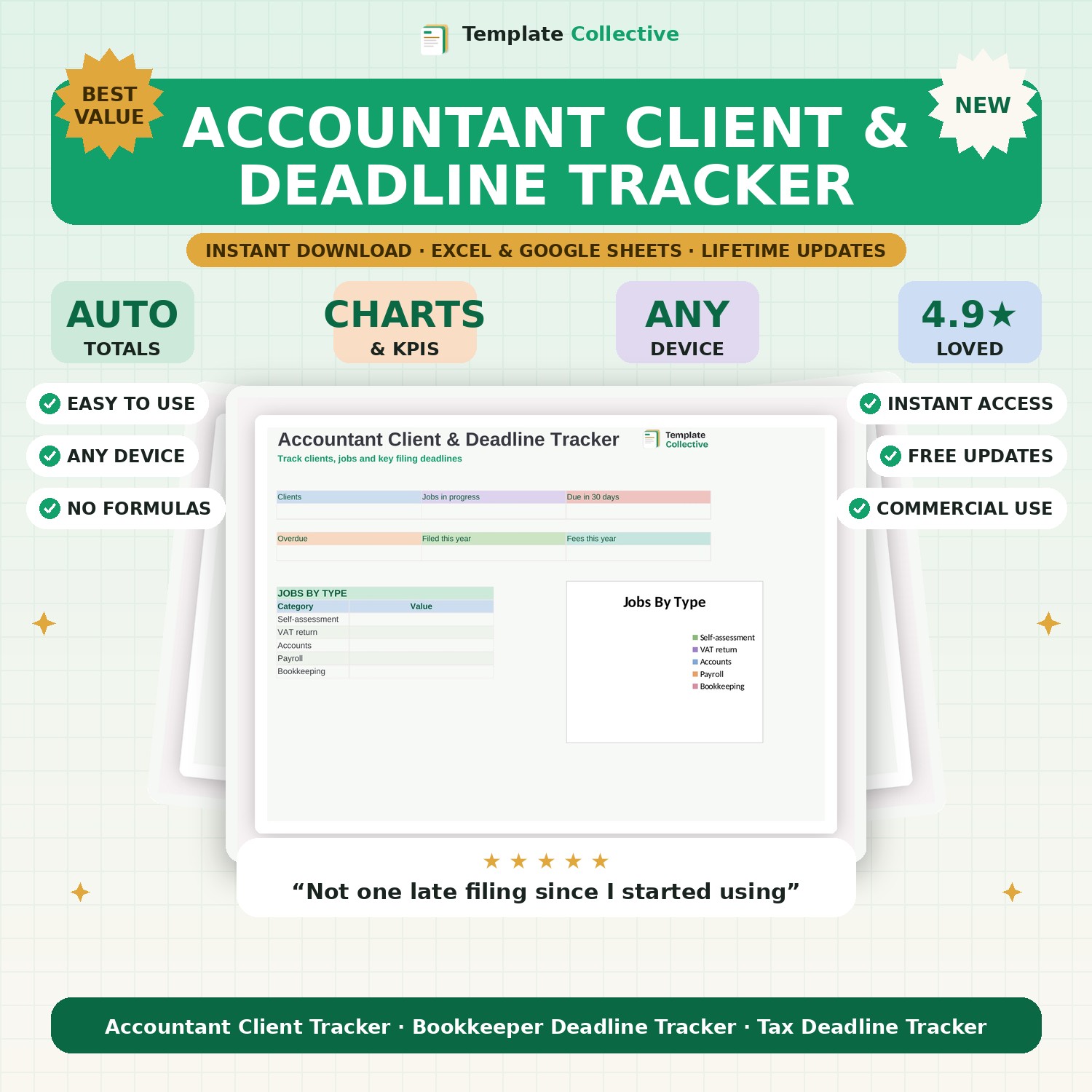
For accountants and bookkeepers — track your clients, jobs and every key filing deadline in one place, so nothing is ever missed and no return is ever late.
Missing a filing deadline is every accountant's nightmare — this tracker makes sure it never happens. Keep all your clients in one place, log every job (self-assessment, VAT, accounts, payroll, bookkeeping) with its period, deadline and status, and the dashboard flags exactly what is due soon and what is overdue, so your whole practice stays on top of its deadlines.
The dashboard shows your clients, jobs in progress, jobs due in the next 30 days, anything overdue, jobs filed this year and your fees, with a breakdown of jobs by type. It is a simple, purpose-built practice-management tool for independent accountants and bookkeepers who want to look organised and never file late.
Built in Excel and Google Sheets with a clean layout and sample data, it works on any device. Pair it with our [Bookkeeping Tracker](#/product/bookkeeping-tracker) and [Self-Assessment Tax Prep](#/product/self-assessment-prep) that you can offer your own clients.
Need a hand? Every purchase includes free email support and free updates for life. If a file ever will not open, reply to your receipt and we will sort it.
Yes — it shows what is due in 30 days and highlights anything overdue.
Yes — track all your clients and jobs in one place.
Instant digital download. Nothing is shipped. Files are delivered to your email the moment you buy, and you can re-download them any time. Single-business licence.